
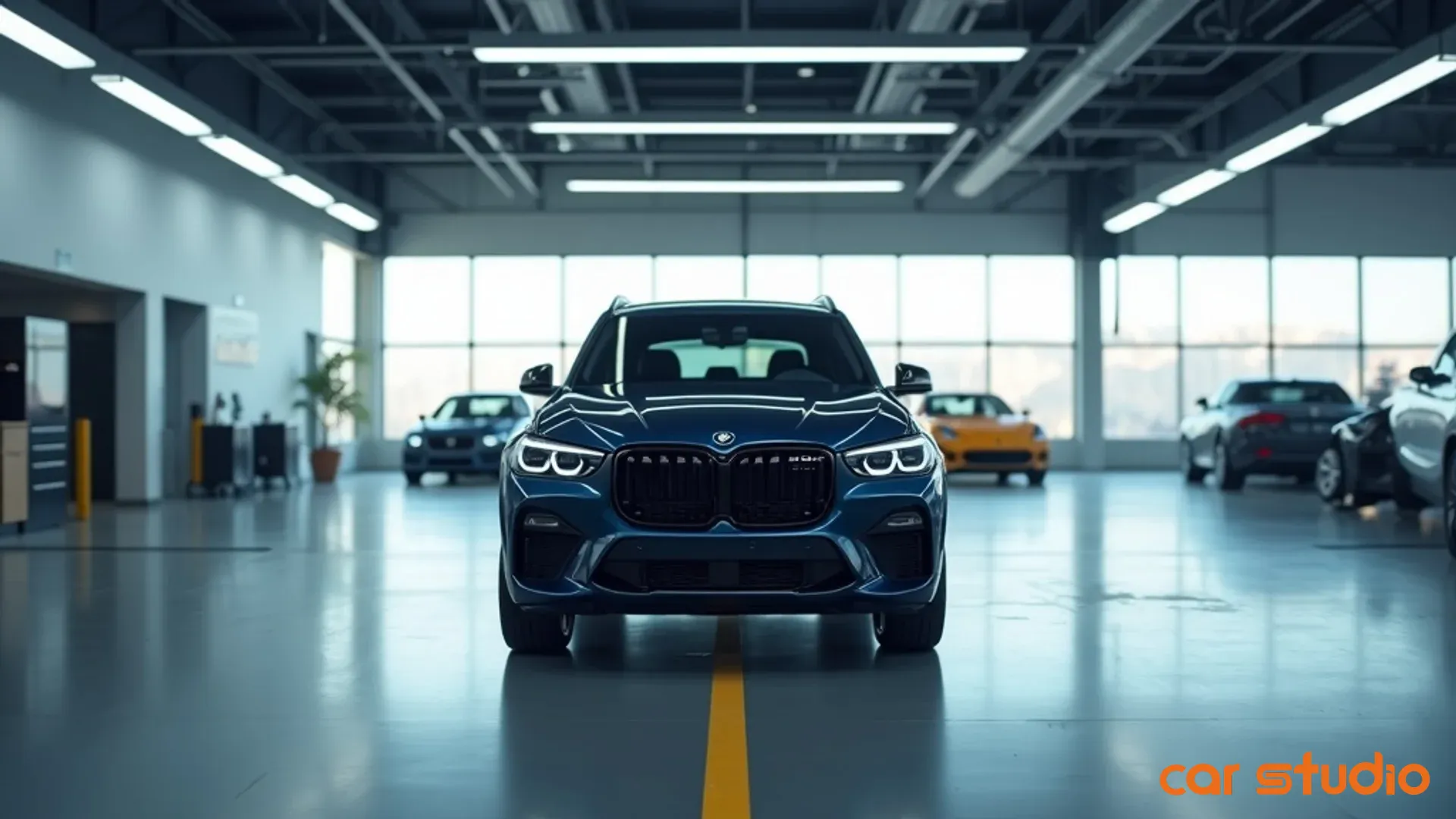

Your Ad Spend Is Fine. Your Listing Photos Are Killing the Conversion.
You increased your ad budget last month. Traffic to your listings climbed. Lead volume stayed flat. And now you're staring at the dashboard wondering why more clicks aren't turning into inquiries.
Here's what the dashboard won't tell you: the problem usually isn't your targeting or your follow-up cadence. It's the inconsistent, poorly lit, amateur-hour photos sitting on the listings you're paying to send traffic to. Shoppers land on your ad's destination, take one look at a car photographed against a chain-link fence with glare across the windshield, and bounce straight to the competitor who bothered to make their inventory look like it's worth the asking price.
You're optimizing the wrong part of the funnel. Every unit of budget you pour into driving traffic is wasted if the on-page experience signals "we don't care about details" — and nothing signals carelessness faster than bad vehicle photography.
This isn't about aesthetics. It's about conversion rate, cost per lead, and whether your visuals are helping or sabotaging the traffic you already paid for. Whether you run paid campaigns as a dealership, a marketplace, an OEM network, or an individual seller, the leak is the same. Let's fix it.
Paid Traffic Meets a Page That Doesn't Convert
Think about what actually happens when someone clicks a paid ad for one of your vehicles. You've already spent the money to earn that click. The entire return on it now hinges on a few seconds on the listing page — and the first thing the shopper processes is the photo gallery.
If those photos are weak, the click is wasted. You don't get a refund for a bounce. Running paid campaigns to poorly merchandised listings is the digital equivalent of buying a billboard that points to a lot full of dirty cars: the reach is real, but the impression works against you.
This shows up in three places that directly affect your cost per lead:
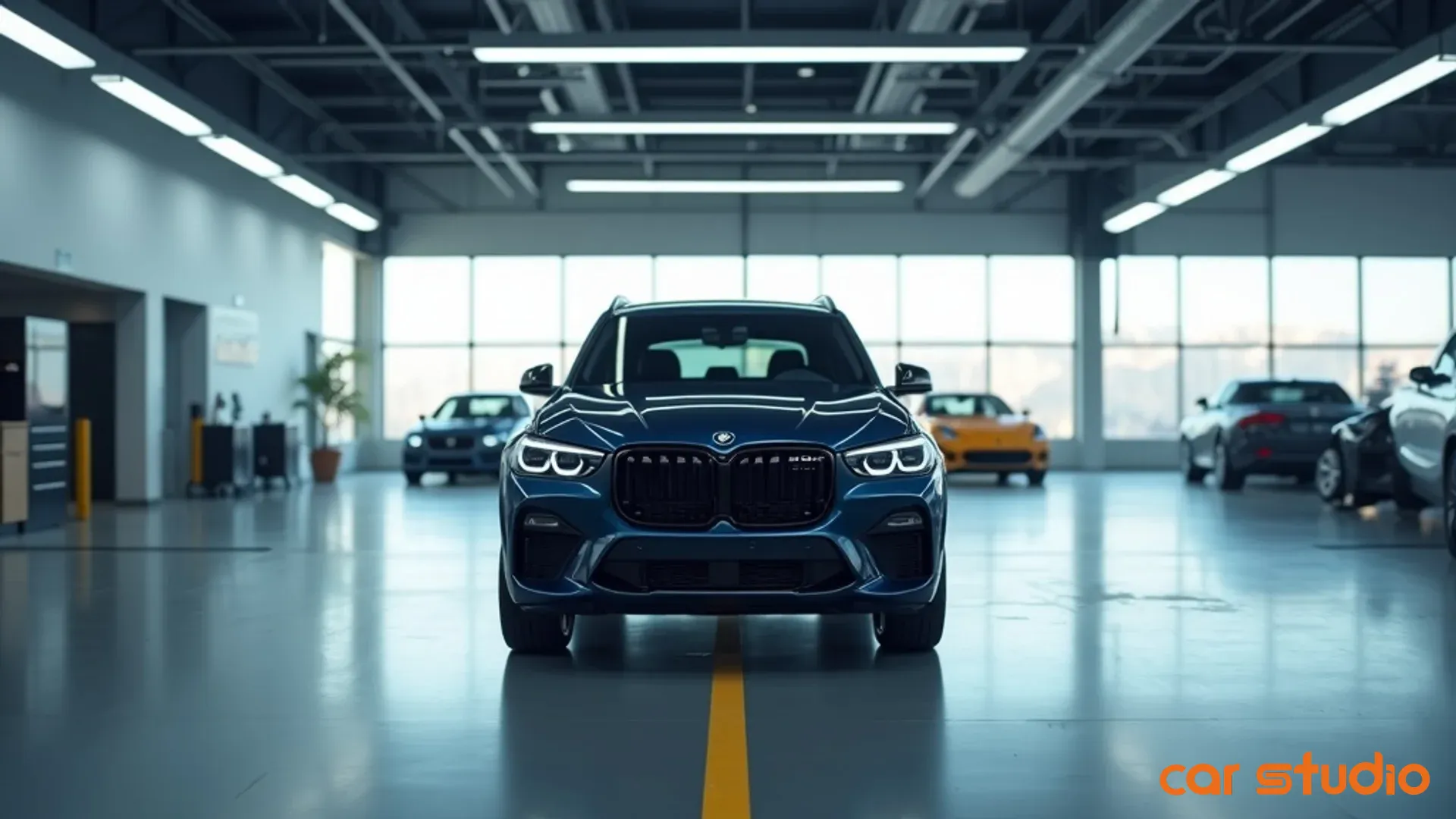
- Higher bounce rates. When a shopper lands on a listing with inconsistent lighting, distracting backgrounds, or blurry images, they leave fast. That bounce is pure waste — you paid for the visit and got nothing back. Clean, standardized photos give the shopper a reason to stay and scroll instead of hitting the back button.
- Lower conversion from view to lead. Even if a shopper sticks around, poor visuals create friction. They can't see the interior clearly. They're not sure if that's a scratch or a shadow. They don't trust what they're looking at, so they don't fill out the form. Small shifts in view-to-lead conversion, driven purely by image quality, compound across every paid click you send to that page.
- Weaker brand perception. Shoppers rarely think "bad photos, so probably bad service" in those words — but subconsciously they make the connection. Visual inconsistency reads as operational sloppiness. If you can't be bothered to photograph a vehicle properly, why would a buyer trust you with their financing, trade, or the deal itself?
The cost of "good enough" photos isn't only the deals you lose. It's the compounding drag of lower engagement and inefficient spend — you're paying full price for traffic and capturing a fraction of its value.
Pro tip: Pull your view-to-lead conversion rate by vehicle. Units with clean, professional photos often convert noticeably higher than those with inconsistent or low-quality images, even when price and specs are similar. That gap is the ad budget you're leaving on the table.
Shoppers Judge You by Your Photos Before They Read a Word
Most of a buyer's journey now happens online before they ever contact a seller. That makes your listing the showroom floor — and, like a physical showroom, first impressions decide everything.
Visuals are the first signal of professionalism. Before a shopper reads the description, checks the history report, or looks at reviews, they're scanning the photo gallery. Clean, consistent, well-lit images say you run a tight operation. Mismatched backgrounds, varying light, and random angles say you're winging it. Those split-second judgments — Do they take pride in their inventory? Can I trust them? — get answered before a single word is read.
Inconsistency erodes trust before contact. Picture a gallery where the first three photos have a clean studio background, the next two were shot in a parking lot at dusk, and the last four are grainy interior shots with a yellow tint. It broadcasts that there's no process and no quality control. Shoppers don't articulate this consciously, but they feel it — and the feeling decides whether they submit a lead or keep scrolling.
Quality photos answer unasked questions. A well-executed set does more than show the car; it reassures the buyer. Clear exterior shots from multiple angles confirm there's no hidden damage. Bright, detailed interior photos let them picture themselves in the driver's seat. Consistent lighting removes doubt about true condition. Poor photos do the opposite — every "is that a dent or a shadow?" is a reason to disengage.
Competitors with better photos win the click. Your listing isn't viewed in isolation; it's compared against several others for similar vehicles. If yours looks rushed and a competitor's looks studio-grade, the lead goes to them — including on the paid placements you're both bidding for.
Pro tip: Run a quick competitive audit. Pull three similar vehicles from competitors in your market and compare their photo quality and consistency to yours. If you're losing on visuals, you're losing the clicks you paid for.
The AI Advantage: Conversion-Ready Visuals at Scale
Manual editing doesn't scale. You can hire a photographer, send images to an editor, or train staff on Photoshop — but none of those deliver the speed, consistency, and cost efficiency you need to merchandise a large, rotating inventory. This is where AI changes the equation.
- Automated background replacement and branding. An AI photo editor takes a vehicle shot in any environment and replaces the background with a clean, branded studio backdrop. No chain-link fences, no lot clutter, no inconsistent outdoor lighting. You shoot once, upload, and every photo gets the same treatment. Tools like Car Studio AI standardize backgrounds and lighting across an entire inventory automatically.
- Lighting and color correction. Even shooting at the right time of day, conditions vary — overcast skies, harsh shadows, color casts from artificial light. AI corrects exposure, balances color, and enhances contrast automatically, so every vehicle looks showroom-ready regardless of when or where it was photographed.
- Consistency across every listing. Consistency is operational discipline, not just aesthetics. When every vehicle shares the same background, lighting, and angles, your brand reads as professional, shoppers trust you more, and the traffic you paid for converts better. Your marketing team focuses on strategy instead of firefighting photo quality.
- Time back for your team. Count the hours spent cropping, color-correcting, and retouching every week — plus the delay before images go live. AI collapses that timeline: upload raw images, apply your brand template, publish. Minutes instead of hours, which means paid campaigns point at fully merchandised listings sooner.
Pro tip: Calculate your current cost per vehicle for photo editing — labor, outsourcing, and the opportunity cost of slow time-to-market. Compare it to the per-unit cost of an AI solution. The payback is usually obvious within the first month.
Implementation Playbook: An AI-First Visual Workflow
Knowing AI can help is one thing; integrating it into daily operations is another. Here's the framework.
- Step 1 — Audit your current visuals. Pull a random sample of 20 to 30 vehicles and review the galleries. Are backgrounds consistent? Is lighting uniform, or do some shots look washed out or dark? Are angles standardized? Do interior photos clearly show key features? Are there distractions — equipment, other vehicles, signage — in frame? Score each vehicle: professional, acceptable, or poor. If more than a third fall into "acceptable" or "poor," you have a merchandising problem that's suppressing conversions on paid traffic.
- Step 2 — Define your brand standard. Decide exactly what every set should look like: background style (clean studio, branded gradient, or outdoor), even lighting with no harsh shadows, a fixed angle sequence (front and rear three-quarter, side profile, dashboard, rear seats, engine bay, wheels, key features), a resolution minimum, and branding elements like logo placement. Document it as a one-page visual guide and share it with everyone who touches photography.
- Step 3 — Integrate an AI editing tool. Look for batch processing, one-click background replacement, automatic lighting and color correction, resolution upscaling, sharpening for soft shots, and direct publishing to your website, listing sites, and social. An enterprise platform like Car Studio AI automates the full capture-to-listing workflow. Start with a pilot of 10 to 20 vehicles, compare before-and-after, and roll out once the quality meets your standard.
- Step 4 — Train your team. Run a short session covering how to capture raw images the AI can enhance well, how to upload and apply your brand template, and how to review and approve before publishing. Keep it to a couple of clicks — if it takes five steps and manual tweaking, people revert to the old way.
Pro tip: Assign one person as your visual-merchandising champion — the owner of photo quality who monitors consistency and troubleshoots. Accountability drives adoption.
Objections and Pitfalls
- "It costs too much." Weigh it against the traffic you're already buying. If weak photos cost you even a couple of deals a month, the lost margin dwarfs the price of most AI editing tools — before counting the labor saved on manual editing. The real question isn't whether you can afford AI; it's whether you can afford to keep paying for clicks that don't convert.
- "My team doesn't have time to learn a new tool." This usually means "we're already overwhelmed." Fair — but AI reduces complexity rather than adding it. Upload, click, publish is less work than cropping and color-correcting by hand. Frame it as a time-saver, show the before-and-after workflow, and resistance fades when people see it makes their job easier.
- Choosing the wrong tool. Not every AI editor is built for vehicles. Watch for red flags: no batch processing, no integration with your inventory feed, generic backgrounds that don't match your brand, weak support, or no upscaling/sharpening. Do a trial run on 20 vehicles before committing.
- Forgetting to measure. Capture your baseline first — bounce rate, time on page, view-to-lead conversion, lead-to-appointment — then track the same metrics for 30 to 60 days after deploying enhanced photos. If engagement and conversion don't improve, something else in your funnel needs attention.
Pro tip: Run a split test. Apply enhanced photos to half your inventory, leave the other half as-is, and compare after 30 days. The data tells you exactly how much lift you're getting — and how much paid budget you were wasting.
Quick Wins in 14 Days
You don't need a full overhaul to see results. Here's a two-week proof of concept.
- Days 1–3 — Re-process 10 key vehicles. Start with your highest-value or most-viewed units — the ones getting the most traffic and the highest gross potential. Run their photos through an AI editor: consistent backgrounds, corrected lighting, enhanced resolution.
- Days 4–7 — Apply consistent backgrounds and publish everywhere. Replace the old photos with the enhanced versions, keeping background, lighting, and angle sequence uniform across the group. Update your inventory feed so the new photos appear on every listing site, not just your own — shoppers see your inventory in many places.
- Days 8–10 — Track engagement. Monitor views, bounce rate, time on page, and gallery clicks for the test group against their prior performance. Early signals — more time on page, lower bounce, more gallery clicks — show up within days.
- Days 11–14 — Measure lead lift against a control. Compare lead rates for your test group against similar vehicles still running the old photos. A clear lift is your business case to scale; no lift means digging into whether the photos actually improved or another friction point is suppressing conversions.
Pro tip: Look at individual vehicle performance, not just aggregates. Certain body styles or price points often benefit more from enhanced photos — use that to prioritize.
Stop Paying for Clicks That Don't Convert
The sellers winning in digital retail aren't just spending more on ads. They're optimizing every step of the shopper journey — starting with the visuals that create the first impression on the traffic they paid for.
You've already invested in driving traffic. You've already built the listings. You've already trained your team to follow up. But if your photos are inconsistent, poorly lit, or unprofessional, you're undercutting all of it — and paying full price for clicks that bounce.
The framework is simple: audit your current photos, define your standard, integrate an AI solution, train your team, and measure the lift. The tools exist and the payback is clear. The only question is whether you keep losing paid clicks to sellers who already figured this out.
Turn your listings into a conversion engine — try Car Studio AI free. No credit card, no subscription.
For dealerships · marketplaces · OEMs · individual sellers