
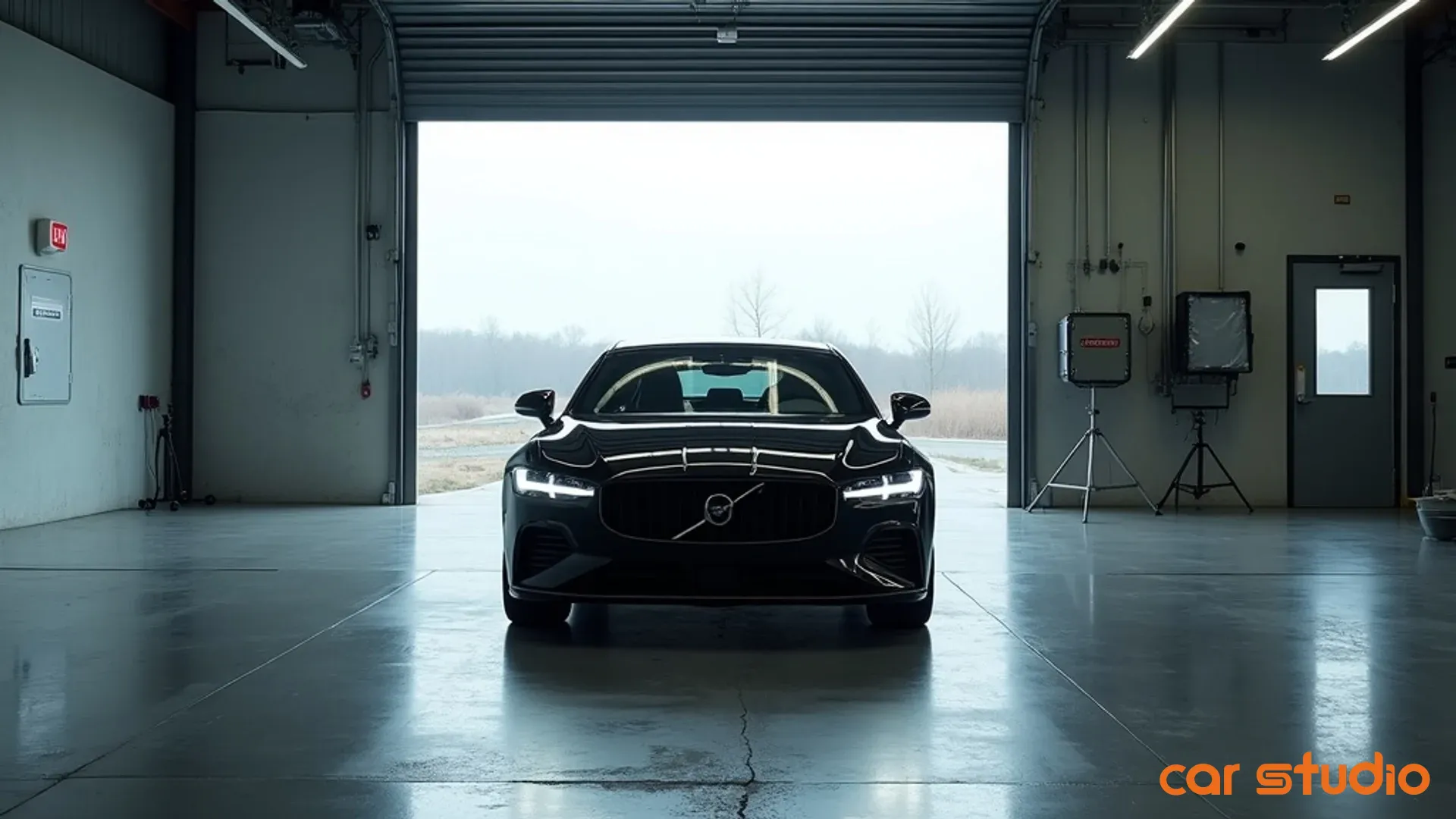

AI Car Photo Editor Apps That Cut Days-on-Lot and Boost Gross Profit
Your recon team just finished prepping a clean trade. Photos are scheduled for tomorrow afternoon. The photographer shows up late. Lighting's wrong. Backgrounds are cluttered with service loaners and parts trucks. By the time those images hit your VDP three days later, a competitor already sold the same year, make, and model to your prospect.
This isn't a technology problem. It's a merchandising bottleneck that costs you margin every single day.
Dealerships lose sales velocity because vehicle photography is slow, inconsistent, and expensive. The average dealership takes 48 to 72 hours to get a vehicle from recon to a live, fully merchandised listing. During that window, your inventory sits invisible to online shoppers who make 95% of their purchase decision before ever stepping on your lot.
AI photo editor tools solve this operational gap. They let your team create studio-quality vehicle images in minutes, not days, using nothing more than a smartphone and intelligent software that handles background removal, lighting correction, branding overlays, and even virtual showroom staging.
This guide gives you a complete implementation playbook. You'll learn how to audit your current process, choose the right AI photo editing platform, train your team, integrate with your DMS, and run a low-risk 14-day pilot that delivers measurable ROI.
Why Flawless Vehicle Photos Are a Non-Negotiable Asset
Poor vehicle photos don't just look bad. They actively repel buyers and extend your days-on-lot.
When a shopper lands on your VDP, they make a snap judgment in under three seconds. Grainy images, inconsistent angles, distracting backgrounds, and poor lighting signal low quality and erode trust. The result? Fewer clicks, shorter time-on-page, and zero lead submissions.
Photo quality directly impacts VDP engagement. Listings with professional, consistent imagery generate significantly higher click-through rates from search results pages and third-party listing sites. Clean backgrounds and proper lighting make your inventory stand out in thumbnail grids where shoppers compare dozens of similar vehicles side by side.
Consistency builds brand trust. When every vehicle in your inventory features the same angle set, background style, and lighting quality, shoppers perceive your dealership as organized, professional, and trustworthy. Inconsistent photos make you look disorganized and suggest you cut corners elsewhere.
Days-on-lot and gross profit are directly tied to merchandising speed. Every day a vehicle sits without a complete, high-quality listing is a day you're paying floorplan interest and losing negotiating leverage. Faster time-to-market means more showings, more competitive offers, and healthier margins. Slow, inconsistent photography extends your turn rate and compresses profit.
Decoding AI Car Photo Editors: Beyond the Hype
AI photo editors use machine learning models trained on millions of images to automate tasks that previously required manual editing or professional photographers.
These aren't generic consumer photo apps with car-themed filters. Purpose-built AI car photo editors are designed specifically for automotive retail workflows and integrate with dealership systems.
Core features include:
- Background removal and replacement: AI detects the vehicle outline and removes distracting lot clutter, replacing it with clean studio backgrounds, showroom floors, or branded environments.
- Lighting and color correction: Algorithms automatically adjust exposure, contrast, and white balance to ensure consistent, vibrant images regardless of weather or time of day.
- Branding overlays: Add your dealership logo, certified pre-owned badges, price tags, and promotional callouts in consistent positions across all images.
- Angle standardization: Guided capture tools ensure your team shoots the same angles every time, creating a uniform look across your entire inventory.
Advanced features push beyond static images:
- Virtual showrooms: Place vehicles in photorealistic indoor or outdoor environments that match your brand aesthetic without ever moving the car.
- 360-degree spin generation: Some platforms use AI to interpolate between standard angle shots and create interactive spins without specialized turntable equipment.
- Video ad creation: Automatically generate short video clips from still images with motion effects, text overlays, and music for social media advertising.
- Damage detection and markup: AI flags cosmetic issues and allows you to annotate them for transparency or internal recon tracking.
The key difference between AI car photo editors and generic manual editing tools is automation and integration. Manual editors require skilled labor and hours per vehicle. AI platforms process entire photo sets in seconds and sync directly with your inventory management system, DMS, and website.
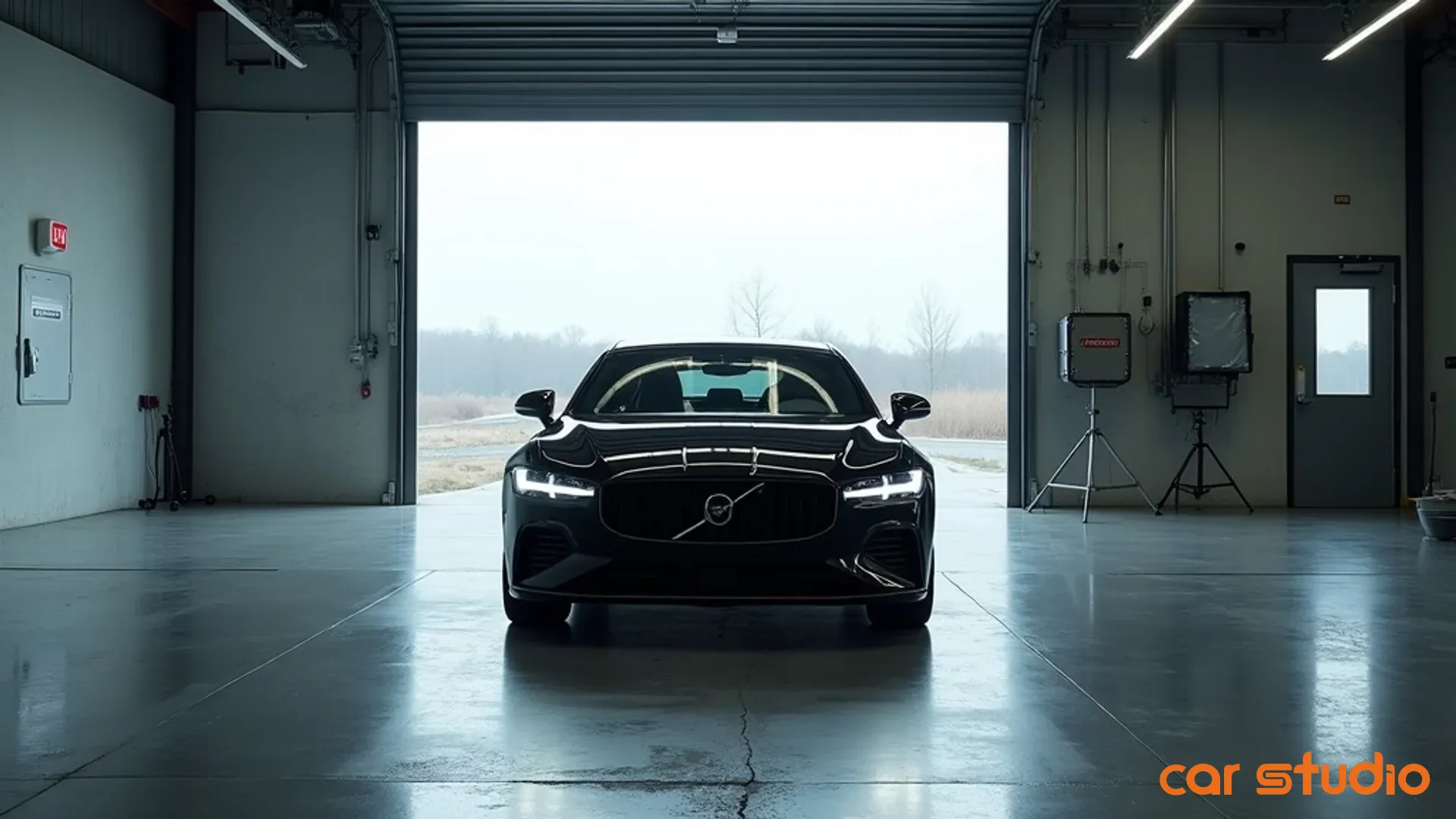
The Business Case: How AI Photo Editing Drives ROI
AI photo editing delivers ROI through three primary channels: speed, cost reduction, and conversion lift.
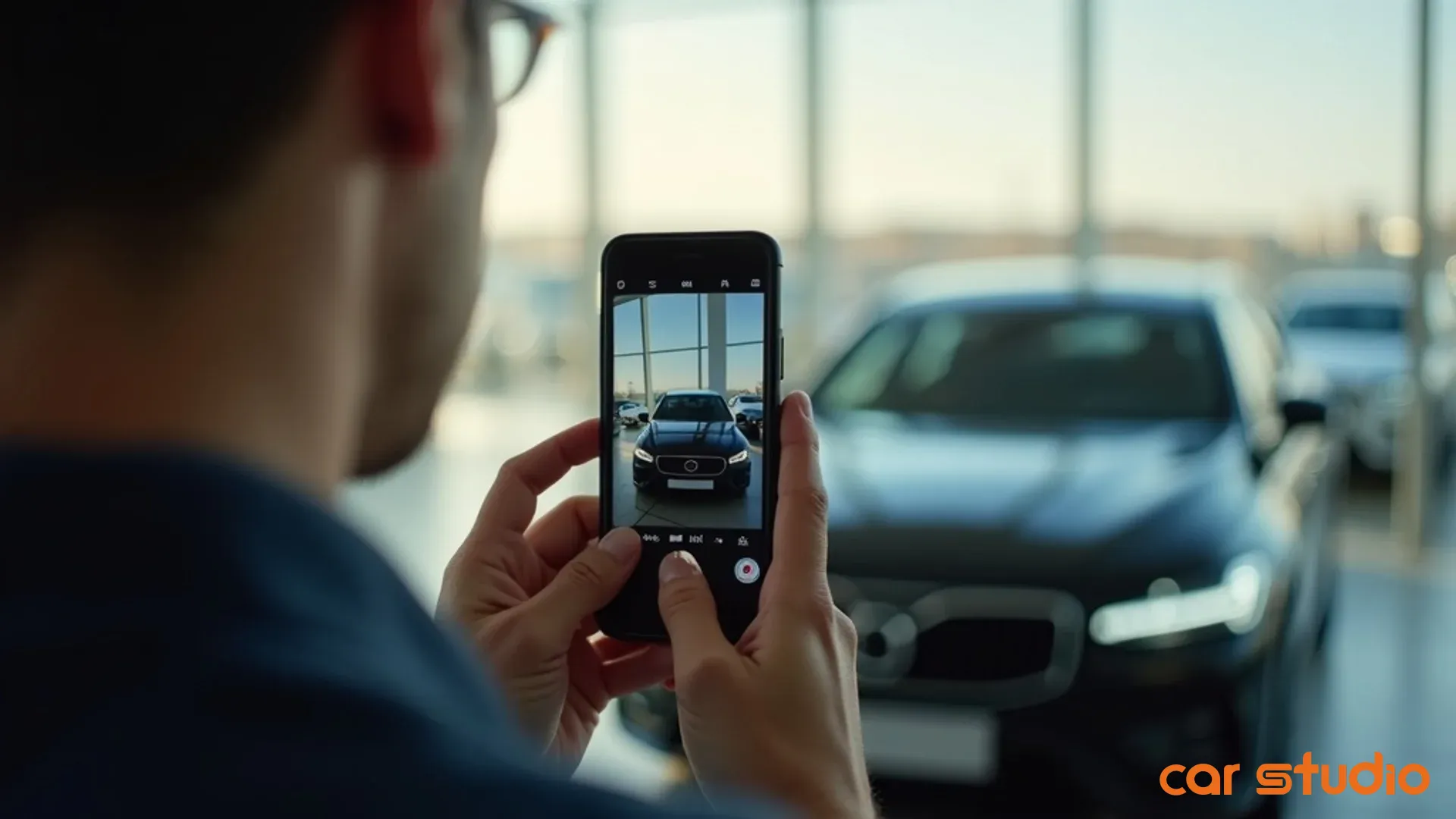
Reduce time-to-market from days to hours. Traditional photography workflows involve scheduling, shooting, transferring files, manual editing, approval rounds, and upload. This process typically takes two to four days. AI photo editing collapses that timeline. Your lot attendant or porter shoots photos on a smartphone with guided prompts, the AI processes them instantly, and images sync automatically to your DMS and website. Total elapsed time: 15 to 30 minutes from last recon touch to live listing.
Faster merchandising means more selling days per vehicle. If you turn 60 units per month and cut two days off your average time-to-market, you gain 120 additional selling days per month across your inventory. That's four extra units sold at full margin, assuming even modest conversion rates.
Cut operational and third-party editing costs. Many dealerships outsource photo editing to offshore vendors or employ dedicated in-house photographers and editors. Outsourcing costs range from $5 to $15 per vehicle. In-house labor, equipment, and software can exceed $50,000 annually for a mid-sized dealership. AI photo editing platforms typically cost $100 to $300 per month for unlimited processing, eliminating per-unit fees and reducing headcount needs.
Labor reallocation matters as much as direct cost savings. When your team stops spending hours on photo editing, they can focus on higher-value activities like customer follow-up, lot merchandising, and recon quality control.
Increase online engagement and lead conversion. Better photos drive measurable improvements in shopper behavior. Higher VDP view counts, longer time-on-page, more photo gallery clicks, and increased lead form submissions all correlate with professional, consistent imagery.
Consider a dealership with 100 vehicles in stock averaging 50 VDP views per listing per month. If improved photos increase average views by 20%, that's an additional 1,000 monthly VDP views. If your VDP-to-lead conversion rate is 3%, that's 30 extra leads per month. Close 20% of those at a $2,000 average gross, and you've added $12,000 in monthly gross profit.
Implementation Playbook: Integrating AI into Your Dealership
Successful AI photo editor adoption requires a structured rollout, not a spontaneous tool purchase.
Step 1: Audit Your Current Photo Process
Map your existing workflow from recon completion to live listing. Identify every handoff, delay, and quality inconsistency.
Document who shoots photos, what equipment they use, where files are stored, who edits them, who approves them, and how they're uploaded. Measure average cycle time for each step and total elapsed time.
Identify your biggest pain points. Is it scheduling conflicts with your photographer? Inconsistent lighting? Slow manual editing? Poor backgrounds? Lack of branding? Different dealerships have different bottlenecks.
Quantify your current costs. Include labor hours, outsourcing fees, equipment depreciation, and software subscriptions. This baseline lets you calculate ROI accurately after implementation.
Step 2: Define Brand Guidelines for AI Output
AI tools are powerful, but they need direction. Create a simple one-page photo standard that defines your brand look.
Specify background style. Do you want clean white studio backgrounds, showroom floors, outdoor scenic environments, or your actual lot with clutter removed?
Define required angles. Most dealerships use a standard set: front three-quarter, rear three-quarter, front, rear, both sides, interior dashboard, interior rear seat, engine bay, and wheels. Lock this in so every vehicle gets the same treatment.
Set branding rules. Where does your logo appear? What size? Do you overlay pricing, certified badges, or promotional callouts? Do you want consistent color grading or natural tones?
Document quality thresholds. What's acceptable for minor reflections, shadows, or edge artifacts? AI isn't perfect, and setting clear expectations prevents endless revision loops.
Step 3: Train Staff with Guided Capture Tools
Your lot attendants and porters will be your primary photographers. They need simple, foolproof guidance.
Choose an AI photo editor with built-in capture guides. Solutions like Car Studio AI use on-screen overlays that show your team exactly where to stand, what angle to shoot, and when they've captured a usable image. This eliminates guesswork and ensures consistency across different users.
Run a hands-on training session. Don't just send an email. Gather your team, walk through the app together, and shoot a few vehicles as a group. Let them make mistakes in a low-pressure environment.
Create a simple job aid. A laminated card or one-page printout with the required angle list and basic troubleshooting tips keeps your team on track without constant supervision.
Assign accountability. Make photo quality part of your recon checklist. If a vehicle leaves recon without a complete, approved photo set, it doesn't hit the lot.
Step 4: Automate Sync with DMS and Website
Manual photo uploads are a hidden time sink and a common failure point. Automation eliminates this bottleneck entirely.
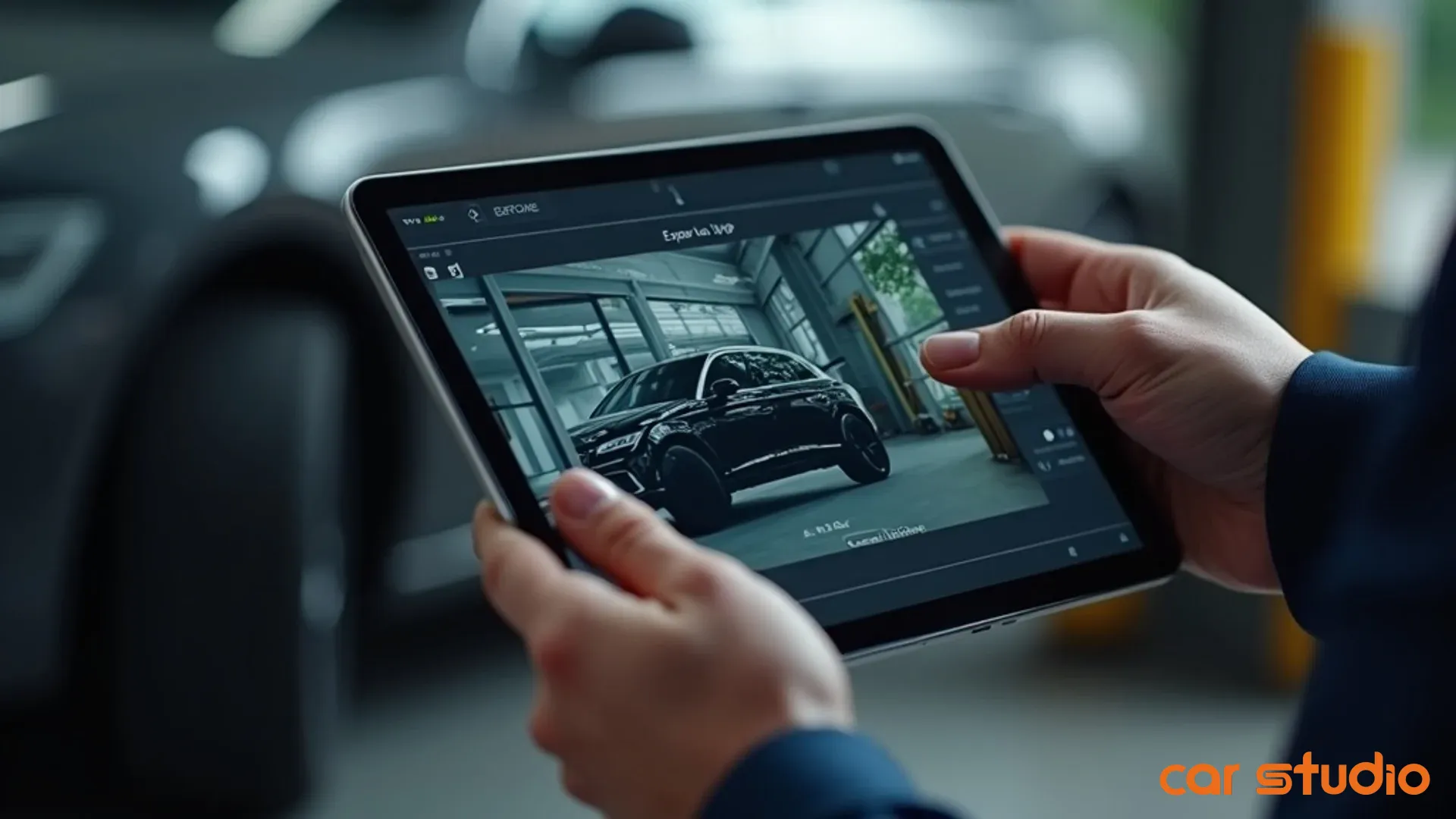
Verify integration compatibility before you buy. Most modern AI photo editing platforms integrate directly with major DMS and inventory management systems like vAuto, Dealer Socket, DealerTrack, and CDK. Confirm your specific system is supported and understand what the integration actually does.
Set up automatic sync rules. Define whether photos should auto-publish immediately after AI processing or queue for manager approval. Decide how the system handles photo updates when you re-shoot a vehicle.
Test the full loop with a pilot vehicle. Shoot photos, let the AI process them, and confirm they appear correctly in your DMS, on your website, and on third-party listing sites like Autotrader and Cars.com. Check that metadata, VIN matching, and image sequencing all work as expected.
Monitor sync failures. Even good integrations occasionally hiccup. Set up alerts so your team knows immediately when a vehicle's photos fail to publish.
Objections & Pitfalls: Common Mistakes to Avoid
Most AI photo editor implementations fail because of predictable, avoidable mistakes.
Mistake 1: Ignoring Team Training and Adoption
Buying the software is easy. Getting your team to use it correctly is hard.
Dealerships often assume AI tools are so simple that training is unnecessary. Then they're surprised when photos come back with bad angles, poor framing, or inconsistent lighting that even AI can't fix.
AI photo editors automate editing, not photography fundamentals. Your team still needs to understand basic composition, lighting awareness, and how to position the vehicle for the best shot.
Resistance happens when you don't explain the "why." If your lot attendants see AI photo editing as extra work piled on top of their existing duties, they'll cut corners. Frame it as a tool that makes their job easier and gets vehicles sold faster, which benefits everyone.
Provide ongoing feedback. Review photo quality weekly for the first month. Celebrate wins when someone nails a difficult shot. Correct mistakes gently and show side-by-side examples of what good looks like.
Mistake 2: Overlooking DMS and IMS Integration Needs
Standalone photo editing tools create new problems if they don't connect to your existing systems.
Some dealerships choose AI photo editors based solely on output quality, then realize they still have to manually download, rename, and upload dozens of images per vehicle. This eliminates most of the time savings.
Integration isn't binary. Some platforms offer one-way sync where photos push to your DMS but updates don't flow back. Others support full bidirectional sync. Understand what you're getting and whether it matches your workflow.
Data mapping matters. Your DMS uses specific field names, VIN formats, and stock number conventions. If the AI platform can't map its data to your system's schema, you'll spend hours troubleshooting mismatched listings.
Plan for API limits and sync delays. Even good integrations may have rate limits or batch processing windows. If you're merchandising 20 vehicles in an afternoon, confirm your system can handle that volume without queuing photos overnight.
Mistake 3: Fearing AI Quality vs. Human Touch
Some managers worry that AI-generated backgrounds look fake or that automated editing lacks the nuance of a skilled human editor.
This concern is valid but often overstated. Modern AI photo editors produce photorealistic results that are indistinguishable from professional studio photography to the average shopper. Edge cases exist, but they're rare and usually fixable with minor manual touch-up.
The real question isn't whether AI is perfect. It's whether AI output is better than your current state. If you're currently shooting photos on a cluttered lot with inconsistent lighting and no editing, AI is a massive upgrade even if it's not flawless.
You can blend AI and human oversight. Use AI for the heavy lifting, background removal, color correction, and branding, then have a manager or photographer review and approve before publishing. This hybrid approach delivers speed and consistency while preserving quality control.
Test and compare. Shoot the same vehicle with your current process and with AI editing. Show both sets to your sales team and ask which they'd rather sell from. Let the results speak for themselves.
Quick Wins in 14 Days: Your Action Plan
You don't need a six-month rollout to see results. A focused two-week pilot proves value and builds momentum.
Days 1 to 3: Pilot on Five Diverse Vehicles
Choose five vehicles that represent your inventory mix. Include at least one truck, one sedan, one SUV, one luxury unit, and one budget vehicle. This variety tests how the AI handles different sizes, colors, and conditions.
Shoot photos using your chosen AI photo editor's guided capture tools. Have the same person shoot all five vehicles to control for user variability.
Process the images and review output quality. Check backgrounds, lighting, branding placement, and overall consistency. Flag any issues and adjust your shooting technique or AI settings accordingly.
Upload the AI-enhanced photos to your DMS and website. Confirm they display correctly across all channels, including mobile, desktop, and third-party listing sites.
Days 4 to 7: A/B Test Listings
Leave your existing photos live on five comparable vehicles. Now you have two matched sets: five with AI-enhanced photos and five with your old photos.
Promote both sets equally. Don't bias the test by featuring the AI vehicles more prominently in ads or on your homepage.
Track engagement metrics daily. Monitor VDP views, time-on-page, photo gallery clicks, and lead form submissions for each set.
Collect qualitative feedback. Ask your sales team which listings generate more phone calls and showroom visits. Ask a few trusted customers which photos look more professional.
Days 8 to 14: Track VDP Views and Leads
Extend your observation window to capture a full week of shopper behavior.
Calculate the performance delta. Compare average VDP views, engagement rates, and lead submissions between AI-enhanced and traditional photos.
Estimate financial impact. If AI photos generated 25% more VDP views and a 15% lift in leads, calculate what that means in additional units sold and gross profit based on your historical conversion rates.
Present results to your leadership team. Show the data, share the cost analysis, and recommend a full rollout if the pilot proves successful.
Plan your expansion. If the pilot works, map out a phased rollout schedule. Start with high-turn inventory, then expand to aged units, then to incoming trade-ins and auction purchases.
Your Next Move
AI photo editing isn't a futuristic luxury. It's a practical tool that solves a daily operational problem costing you time, money, and sales velocity right now.
The dealerships winning online today aren't the ones with the biggest ad budgets. They're the ones that merchandise faster, present more consistently, and eliminate friction between recon and live listing.
You have two options. Keep doing what you're doing and accept that slow, inconsistent photography is part of the cost of doing business. Or implement a system that turns every smartphone into a professional studio and cuts your time-to-market by 70%.
Ready to cut time-to-market and boost sales? Schedule a personalized demo to see Car Studio AI transform your inventory photos. You'll see your own vehicles processed in real time and walk away with a clear implementation plan tailored to your dealership's workflow.
Stop leaving profit on the table with slow, inconsistent photography. See how Car Studio AI streamlines your entire merchandising process today. Book a 20-minute consultation and get a free ROI analysis based on your current inventory turn rate and photo costs.