

The AI Photo Editing Playbook That Turns Used Cars Faster
Every day a used car sits in your lot waiting for photos is a day you're bleeding margin. Not metaphorically. Literally.
While your photographer is backlogged, while your lot porter is waiting for the right light, while your BDC is stalling leads because the VDP looks like a crime scene photo, that F-150 is depreciating. Your floor plan interest is ticking. And your competitor just listed a similar unit with studio-quality images and beat you to the buyer.
The gap between acquisition and listing isn't a photography problem. It's a profit problem. And the dealerships winning the turn rate game right now aren't hiring more photographers or building expensive studios. They're collapsing the entire merchandising workflow with AI-powered automation that turns raw lot shots into listing-ready assets in minutes, not days.
This playbook will show you exactly how to do it. You'll get the step-by-step system, the quality standards, the implementation sprint, and the KPIs that prove ROI. No theory. No fluff. Just the operational playbook that accelerates your used car sales velocity.
Why Merchandising Velocity Is Your New Gross Profit Engine
Your used car gross isn't just about what you paid at auction or how you priced it against vAuto. It's about how fast you can get that unit from the curb to a compelling digital listing that drives qualified leads.
Speed to market directly impacts three profit levers most dealers underestimate.
The cost of a slow photo workflow
Consider the math on a typical 60-day turn scenario. You acquire a unit on Monday. It sits in recon for three days. Then it waits two more days for photos because your photographer is slammed. Another day for editing and background cleanup. Finally, it goes live on Friday.
That's a full week before a buyer even sees it online. If your average holding cost (floor plan interest, depreciation, lot overhead) runs $25 to $40 per day per unit, you just burned $175 to $280 in pure holding cost before the first click. Scale that across 100 units a month and you're looking at $17,500 to $28,000 in completely avoidable expense.
Now multiply that by the opportunity cost. Every day that unit isn't listed is a day you're not generating leads, not booking appointments, not moving metal. The longer it sits, the more likely you'll need to discount it to move aged inventory. Your gross erodes twice: once from holding costs, once from price compression.
Link between high-quality images and lead quality
Buyers make snap judgments. A VDP with inconsistent lighting, distracting backgrounds, or blurry images doesn't just get fewer clicks. It attracts tire kickers and price shoppers instead of qualified, ready-to-buy customers.
High-quality, consistent imagery does the opposite. It builds trust before the phone ever rings. It signals that your dealership is professional, that the vehicle is cared for, and that the buyer isn't walking into a bait-and-switch scenario. That perception shift changes the entire tone of the sales conversation.
Your BDC and sales team will tell you the difference. Leads from well-merchandised VDPs show up. They're pre-qualified by the imagery. They've already imagined themselves in the vehicle. The appointment-to-show rate climbs. The close rate follows.
How speed to market impacts turn rate
Turn rate is the ultimate health metric for used car operations. The faster you turn inventory, the more opportunities you have to capture margin, the less risk you carry, and the more predictable your cash flow becomes.
Merchandising velocity is the ignition point. If you can collapse time to market from seven days to seven hours, you're not just saving holding costs. You're creating more at-bats. You're getting vehicles in front of buyers while they're still hot, while the comp set is thinner, and while your pricing is sharpest.
Dealers who treat merchandising as a bottleneck to optimize, not a task to tolerate, consistently outperform on days supply and gross per unit. They're not smarter buyers. They're faster sellers.
The Anatomy of a High-Converting VDP
Before you automate anything, you need to know what good looks like. A high-converting VDP isn't about artistic photography. It's about predictable, repeatable quality that answers buyer questions and removes friction.
Consistency in branding and backgrounds
Buyers browse dozens of listings in a single session. If your photos look different from unit to unit, chaotic backgrounds, inconsistent lighting, random angles, you're introducing cognitive load. The buyer has to work harder to compare vehicles. That friction kills conversions.
Consistency removes that friction. Same clean background. Same lighting. Same angles. Same branding elements. The buyer can focus on the vehicle itself, not decoding your photo chaos.
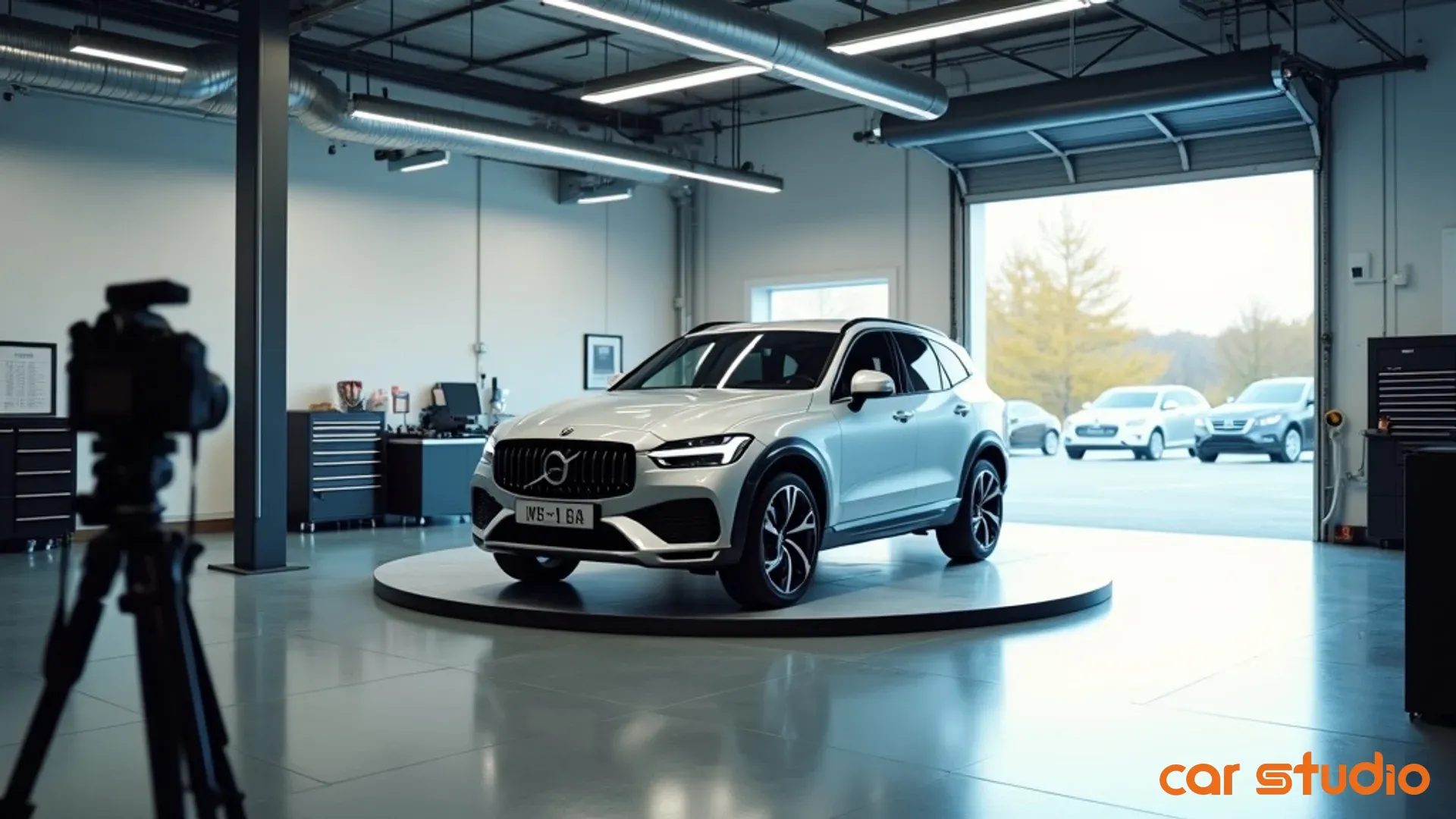
AI-powered background replacement is the fastest way to achieve this. Instead of waiting for perfect weather or building a $50,000 photo bay, you shoot on the lot and let the AI standardize the background in post. Every unit gets the same professional look, whether it was photographed at 7 a.m. or 7 p.m., rain or shine.
Key photo angles that buyers expect
Buyers have been trained by years of online shopping to expect a specific photo sequence. When you deviate from it, you create doubt. They assume you're hiding something.
Your photo set needs to include these non-negotiables:
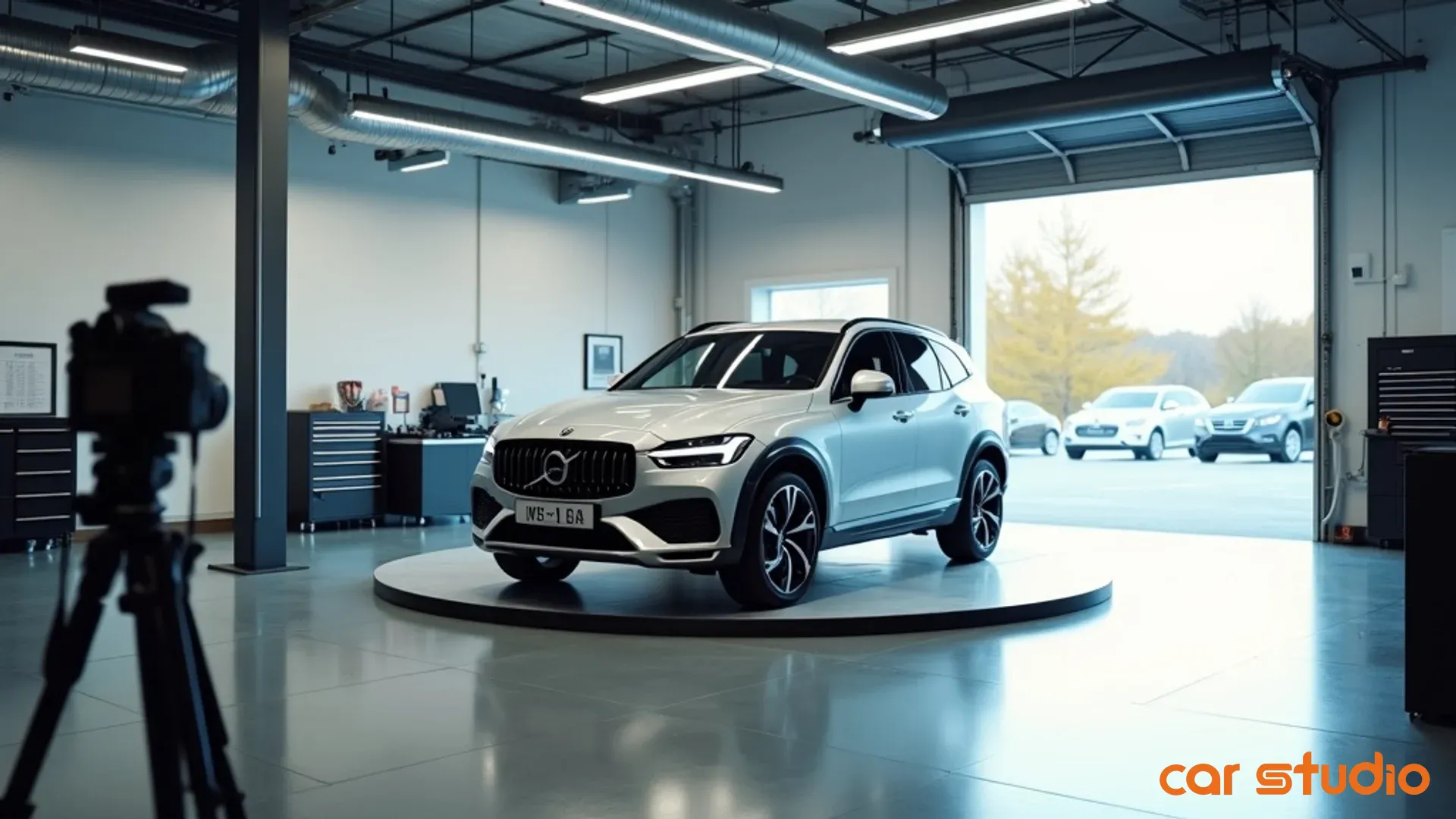
- Front three-quarter view (driver side)
- Rear three-quarter view (driver side)
- Straight-on front
- Straight-on rear
- Both side profiles
- Interior dashboard and front seats
- Rear seats
- Cargo area or truck bed
- Engine bay (for trucks and performance vehicles)
- Close-ups of key features (infotainment screen, wheels, unique trim)
- Any damage or wear (builds trust, reduces comebacks)
This isn't creative. It's a checklist. The goal is completeness and predictability, not artistry.
Why image quality builds trust
Blurry images, harsh shadows, washed-out colors, these aren't just aesthetic problems. They're trust problems. A buyer looking at a grainy photo assumes you're either lazy or hiding something. Neither assumption helps you close deals.
Image quality signals care. It tells the buyer that if you're this meticulous about how you present the vehicle online, you're probably meticulous about how you reconditioned it, how you'll handle the paperwork, and how you'll treat them as a customer.
An ai photo enhancer can rescue mediocre raw shots by sharpening details, correcting exposure, and balancing colors. You're not faking anything. You're just making sure the digital representation matches the real-world condition of the vehicle. That's not deceptive. That's good merchandising.
The AI Photo Editing Playbook
This is the operational core. Follow these four steps to collapse your photo workflow from days to minutes and eliminate the merchandising bottleneck that's killing your turn rate.
Step 1: Standardize your raw photo capture
AI can fix a lot, but it can't fix chaos. If your raw photos are inconsistent, taken from random angles, shot in terrible lighting, or missing key views, no amount of automation will save you.
Start by creating a shot list. Twelve to fifteen angles per vehicle. Print it. Laminate it. Make it idiot-proof. Your lot porter or photographer should be able to walk around any vehicle and knock out the entire sequence in under ten minutes without thinking.
Lighting matters, but it doesn't have to be perfect. Overcast days are ideal because the light is even. Avoid harsh midday sun if possible, but if that's when you shoot, shoot anyway. The AI will correct exposure and balance shadows. The key is to shoot consistently at the same time of day or in the same conditions so your AI tool learns your baseline.
Use a decent camera or smartphone. You don't need a $5,000 DSLR, but you do need something that shoots at least 12 megapixels and focuses quickly. Most recent iPhones or Android flagships are more than sufficient.
Name your files systematically. Stock number, angle, sequence. This makes batch processing and quality control infinitely easier downstream.
Step 2: Automate upload and processing workflow
Manual uploads are where time dies. If your photographer is dragging and dropping files one by one, renaming them, and then waiting for edits, you've just added hours to the process.
Set up a cloud-based workflow where photos automatically sync from the camera or phone to a central folder. Tools like Dropbox, Google Drive, or dedicated automotive merchandising platforms can handle this with minimal setup.
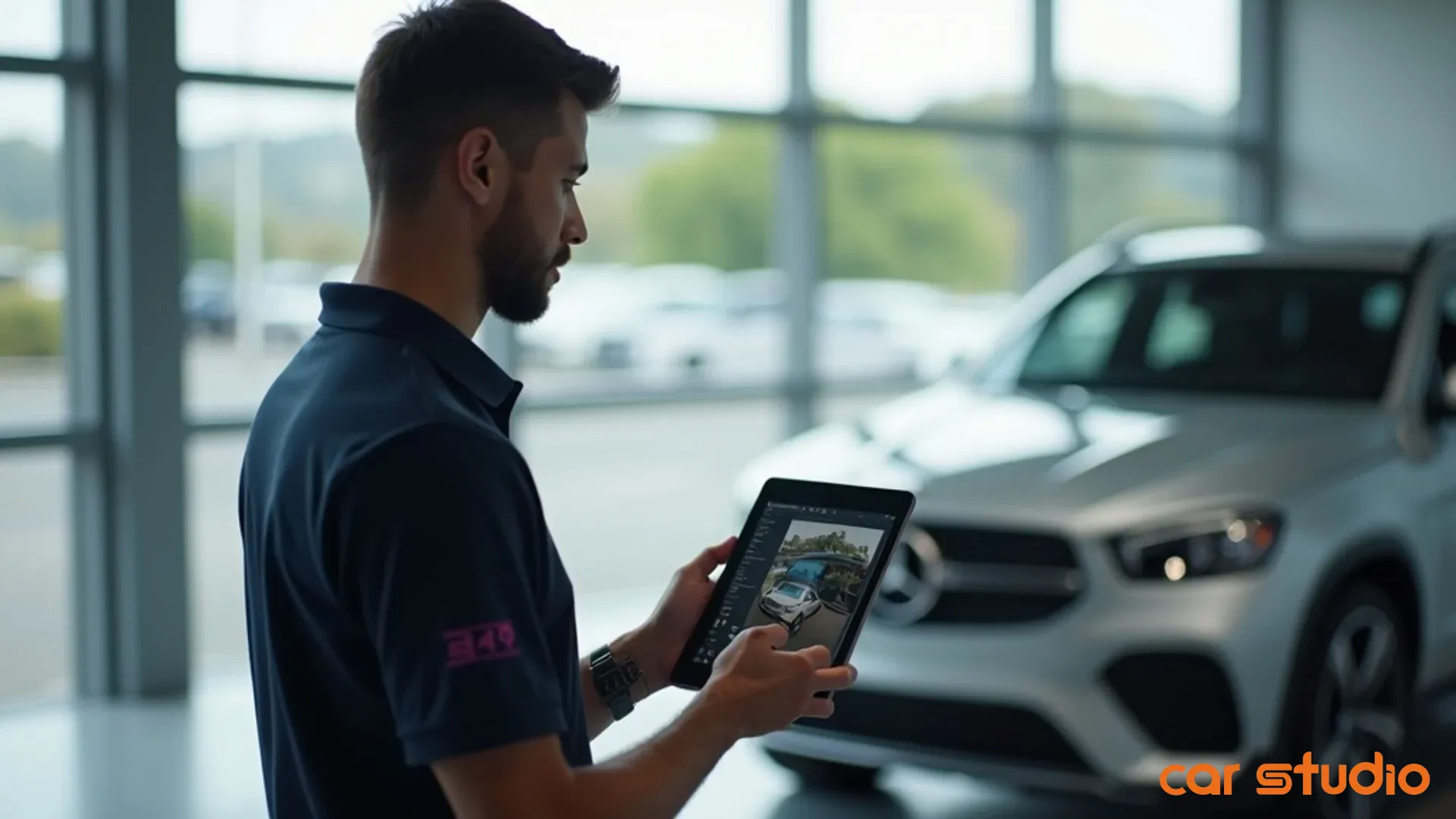
Once the photos hit the folder, your ai photo editor should automatically trigger processing. Background replacement, exposure correction, color grading, and sharpening should all happen in batch mode without human intervention.
Platforms designed for dealerships, like Car Studio AI, are built specifically for high-volume workflows. You're not editing one photo at a time. You're processing entire vehicle shoots at once. The AI handles the heavy lifting: removing distracting backgrounds, correcting lens distortion, and ensuring color consistency across the entire set.
The output should be listing-ready images that require minimal human review. No Photoshop. No manual retouching. Just clean, professional photos ready to syndicate.
Step 3: Implement a fast quality control check
Automation doesn't mean zero oversight. You still need a human in the loop to catch edge cases: a weird shadow the AI didn't fully remove, a reflection that looks off, or a cropping issue.
But this QC step should take minutes, not hours. Assign one person, a merchandising manager, a detail-oriented BDC agent, or even a sharp sales manager, to review the processed images before they go live.
Create a simple pass/fail checklist:
- Are all required angles present?
- Is the background clean and consistent?
- Are colors accurate and vibrant?
- Is the vehicle in focus with no blur?
- Are there any distracting reflections or artifacts?
- Is branding (if applicable) correctly placed?
If the answer to all six is yes, approve and move to syndication. If not, flag it for a quick manual fix or re-shoot. The goal is to catch the 5% of edge cases without slowing down the 95% that are perfect.
Step 4: Syndicate to listings automatically
The final step is getting those photos live on your VDPs, everywhere. Your website, third-party listing sites, social media, email campaigns. If this step is manual, you've just reintroduced the bottleneck you worked so hard to eliminate.
Your DMS, inventory management system, or merchandising platform should automatically pull the processed images and push them to all your syndication endpoints. No manual uploads. No copy-pasting. No waiting for your web guy to get around to it.
Most modern platforms integrate directly with your inventory feed. As soon as the photos pass QC and hit your asset library, they populate the VDP within minutes. The vehicle goes from lot to live listing in hours, not days.
If your current stack doesn't support this, it's time to have a serious conversation with your vendors or consider switching to a platform that does. The ROI on eliminating manual syndication work pays for itself in the first month.
Quick Wins: Your 14-Day Sprint to Faster Photo Workflows
You don't need to overhaul your entire operation overnight. Start with a focused, low-risk sprint that proves the concept and builds internal buy-in.
Week 1: Audit current time to market
Before you change anything, measure your baseline. Pick ten recent units and track the timeline from acquisition to live listing. When did you take possession? When were photos taken? When were they edited? When did the VDP go live?
Calculate the average time in hours. Break it down by stage: recon, photo capture, editing, QC, syndication. Identify the biggest bottleneck. That's where you'll see the most dramatic improvement.
Also track cost. If you're outsourcing editing or using offshore services, add up what you're spending per vehicle. If you're doing it in-house, estimate labor hours and multiply by loaded hourly cost. You need a clear before picture to measure ROI.
Week 1: Pilot an AI editor on 10 units
Choose ten units that are about to hit the lot. Run them through your new AI-powered workflow. Shoot the photos using your standardized shot list. Upload them to your ai photo enhancer. Let the tool process them. Run your QC check. Syndicate them.
Track the time at every stage. How long did capture take? How long did processing take? How long did QC take? How long until the VDP was live?
Compare this to your baseline. You should see a dramatic reduction in editing time and total time to market. If you don't, either your tool isn't good enough or your raw photo quality needs work.
Week 2: Measure time saved and quality
Now that the units are live, measure performance. Are the VDPs getting more engagement? Higher click-through rates? More leads? Better lead quality?
Pull your VDP analytics. Compare the AI-edited listings to your baseline units. Look for improvements in time on page, photo views per session, and lead conversion rate.
Also gather qualitative feedback. Ask your BDC team if the leads feel different. Ask your sales team if buyers are commenting on the photos. Ask your desk managers if the units are moving faster.
Document everything. Time saved, cost saved, quality improvements, and sales velocity changes. This becomes your business case for scaling the program.
Week 2: Create a new photo SOP
Take everything you learned in the pilot and codify it. Write a simple, one-page SOP that anyone can follow.
Include your shot list, your upload process, your QC checklist, and your syndication workflow. Make it visual. Use screenshots. Make it so simple that a new hire could execute it on day one.
Share it with your team. Train your photographers, lot porters, and merchandising staff. Make it the new standard. Update your onboarding process to include it.
This SOP becomes your operational backbone. It ensures consistency, reduces errors, and makes scaling easy.
Common Objections & Pitfalls to Avoid
Every operational change comes with resistance. Here's how to handle the most common objections and avoid the pitfalls that derail AI photo adoption.
"AI will replace my photographer"
This is the fear that stops most dealers from even exploring AI tools. The truth is more nuanced.
AI doesn't replace the person taking the photos. It replaces the tedious, repetitive editing work that doesn't require human judgment. Your photographer or lot porter still needs to capture the raw images. They still need to follow the shot list, frame the vehicle correctly, and ensure the lighting is decent.
What AI eliminates is the hours spent in Lightroom or Photoshop cloning out backgrounds, adjusting exposure, and color-correcting every single image. That's grunt work. It's not creative. It's not strategic. It's just time-consuming.
If you're currently outsourcing editing to an offshore service, AI brings that capability in-house, giving you more control and faster turnaround. If you have an in-house editor, you're freeing them up to focus on higher-value work like video content, social media assets, or marketing campaigns.
The role doesn't disappear. It evolves.
"The results look fake or over-edited"
This is a valid concern if you're using a consumer-grade tool designed for Instagram influencers. Those tools crank up saturation, add fake bokeh, and make everything look like a video game.
That's not what you want. You want images that look clean, professional, and accurate. The vehicle should look exactly like it does in real life, just presented in the best possible light with distractions removed.
A good artificial intelligence image editor built for automotive use will prioritize realism. It removes the cluttered lot background and replaces it with a neutral studio backdrop or a clean outdoor scene. It corrects exposure so the paint color is accurate. It sharpens details so the buyer can see the condition clearly.
The test is simple: would a buyer who sees the photo online be pleasantly surprised or disappointed when they see the vehicle in person? If the answer is disappointed, your editing is too aggressive. Dial it back.
"We don't have good enough data"
Some dealers assume AI tools need massive datasets or complex training to work. That might be true for custom machine learning models, but it's not true for modern, off-the-shelf AI photo editors.
These tools are pre-trained on millions of images. They already know what a car looks like, what a background is, and how to separate the two. You don't need to feed them data. You just need to feed them photos.
The quality of your output depends on the quality of your input. If you're shooting decent raw photos with consistent lighting and framing, the AI will deliver great results from day one. There's no ramp-up period. No training phase. You start seeing value immediately.
Choosing the wrong tool for your volume
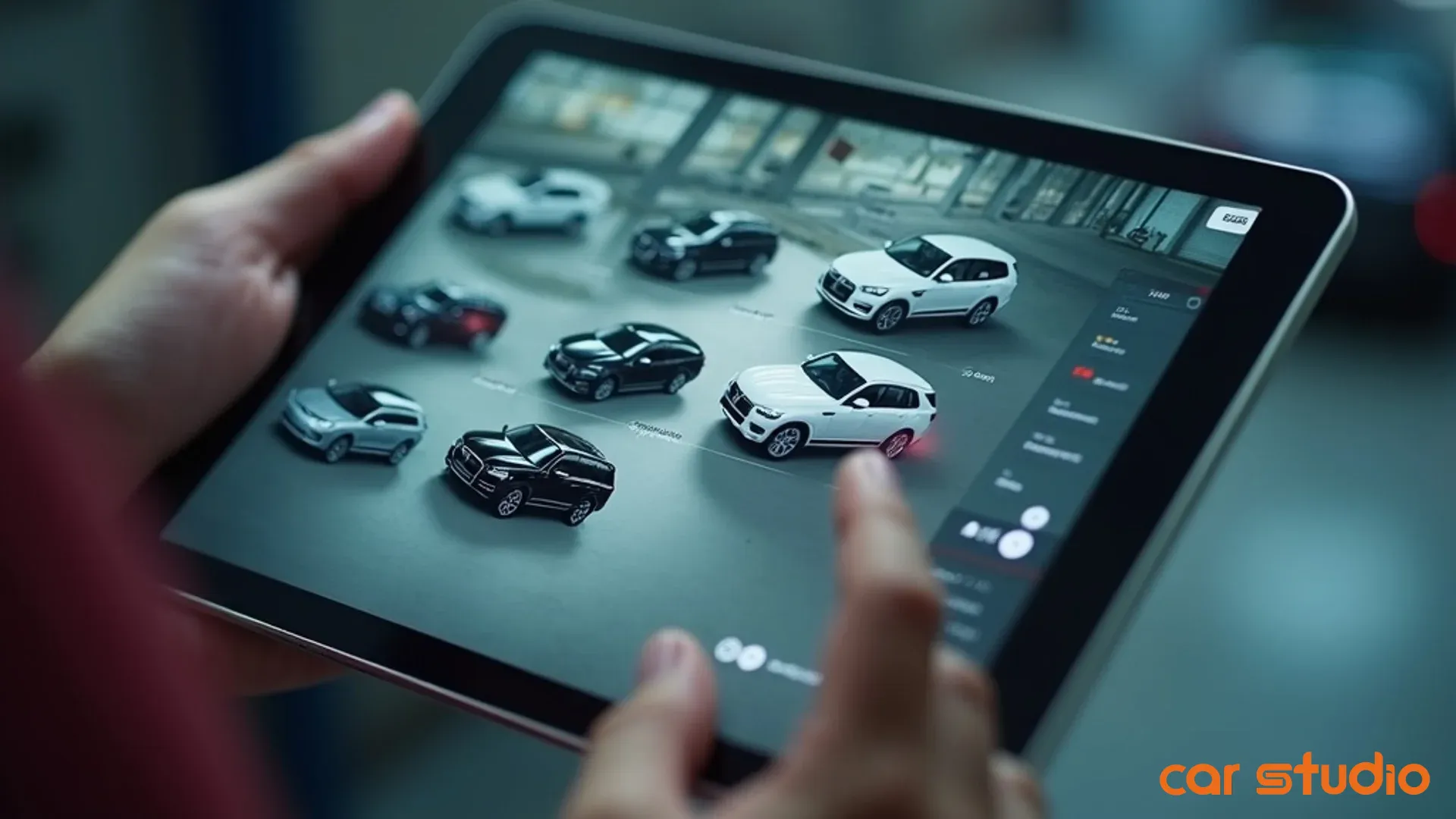
Not all AI photo editors are created equal. Consumer tools like magic eraser apps are fine for one-off edits, but they fall apart at dealership scale. You need batch processing, cloud storage, and integration with your existing systems.
If you're a small independent dealer moving 30 units a month, a lightweight tool with simple batch upload might be enough. If you're a high-volume store moving 200-plus units, you need an enterprise solution that integrates with your DMS, handles massive file volumes, and supports multiple users.
Vendor platforms like Car Studio AI are purpose-built for dealership workflows. They're designed to handle the chaos of high-volume used car operations: inconsistent lighting, tight timelines, and the need for fast, repeatable results.
Don't try to force a consumer tool into a commercial workflow. It'll break, your team will get frustrated, and you'll abandon the project before you see ROI.
Measuring the ROI of Your AI Photo Workflow
You can't manage what you don't measure. Here are the four KPIs that prove whether your AI photo workflow is delivering real value or just creating busy work.
KPI: Time to market (hours, not days)
This is the most direct measure of success. Track the elapsed time from when a vehicle hits your lot to when it's live online with a full photo set.
Break it down by stage so you can see where the time is actually being saved. If your AI tool cut editing time from four hours to ten minutes but your recon process still takes three days, you know where to focus next.
Set a target. For most dealers, 24 to 48 hours from acquisition to listing is achievable with a streamlined workflow. If you're consistently hitting that, you're in the top quartile of the industry.
KPI: Cost per vehicle merchandised
Calculate your all-in cost to get one vehicle fully merchandised and listed. Include labor (photographer, editor, QC, uploader), software or service fees, and any outsourced editing costs.
Compare your pre-AI cost to your post-AI cost. The difference is your per-unit savings. Multiply that by your monthly volume to see your total monthly savings.
If you're spending $30 per vehicle on offshore editing and you switch to an AI tool that costs $15 per vehicle, you're saving $15 per unit. At 100 units a month, that's $1,500 in pure cost reduction. At 200 units, it's $3,000. The ROI becomes obvious very quickly.
KPI: VDP click-through rate (CTR)
This measures whether your improved photo quality is actually driving more engagement. Pull your VDP analytics from your website and third-party listing platforms.
Look at the percentage of shoppers who view your listing and then click through to see more photos or contact you. Compare your AI-edited listings to your old listings.
You should see a lift. Cleaner backgrounds, better lighting, and consistent quality make listings more clickable. If you're not seeing a lift, either your photos weren't the problem or your AI tool isn't delivering enough of a quality improvement.
KPI: Aged inventory gross profit
This is the ultimate proof point. AI photo workflows help you move cars faster, which means fewer units age past 60 or 90 days.
Track your aged inventory (60-plus days) as a percentage of total inventory. Also track the average gross profit on aged units versus fresh units.
If your AI workflow is working, you should see two things: fewer units aging out, and better gross on the units that do age because you're not panic-discounting them to clear the lot.
This KPI ties your photo workflow directly to profitability. It's the metric that gets your GM and CFO to pay attention.
Stop Letting Slow Photography Drain Your Profits
Merchandising velocity isn't a nice-to-have. It's a competitive advantage. The dealers who collapse time to market, who get clean, consistent photos live in hours instead of days, are the ones winning the turn rate game and protecting their gross.
AI photo editing isn't about replacing your team. It's about removing the bottleneck that's keeping your inventory invisible to buyers while your holding costs tick up and your margin erodes.
You now have the playbook. The workflow. The quality standards. The implementation sprint. The objection handling. The KPIs. Everything you need to prove the concept, build internal buy-in, and scale a system that turns used cars faster.
The question isn't whether AI can accelerate your merchandising. The question is how much profit you're willing to leave on the table while you wait to implement it.
Ready to cut merchandising time from days to minutes? See how our AI platform automates your digital showroom and eliminates the photo bottleneck that's killing your turn rate. Schedule a demo with Car Studio AI today and get your first 10 vehicles processed free.
Stop letting slow photography drain your profits. Discover how Car Studio AI accelerates your sales velocity with consistent, high-quality merchandising that gets vehicles in front of buyers while they're still hot. Book a walkthrough and see the difference speed makes.