
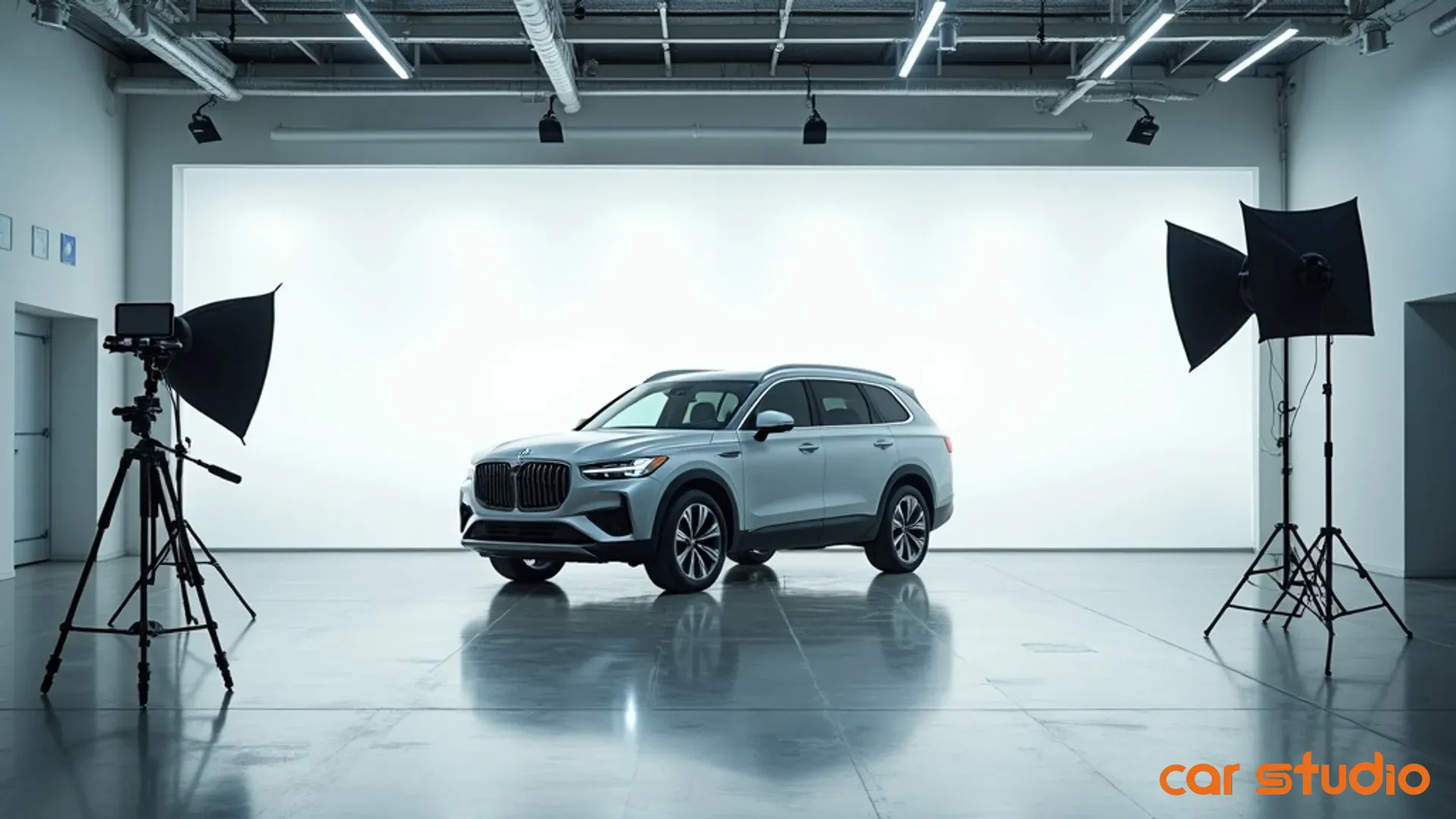

AI Photo Editor: The Secret to Boosting Used Car Sales
You've got a clean, low-mileage trade sitting on the front line. Priced right. Reconditioned perfectly. But it's been online for 18 days with 47 VDP views and zero leads.
Meanwhile, your competitor down the street moved a similar unit in six days.
The difference? Their photos look like they belong in a showroom. Yours look like they were shot in a Walmart parking lot during a thunderstorm.
Poor merchandising doesn't just make your inventory look bad. It makes great cars invisible. Shoppers scroll past your listings in seconds because inconsistent, cluttered photos scream "low-effort dealer" before they ever read your description or see your price.
The fix isn't hiring a professional photographer for every unit or sending your lot attendant to photography school. It's using an ai photo editor to create a consistent digital showroom that builds trust, drives clicks, and accelerates turn rates.
This isn't about making cars look better than they are. It's about presenting them professionally so buyers actually stop to look.
The Revenue Hidden in Your VDP Photos
Digital curb appeal determines whether a shopper engages with your listing or keeps scrolling. Your VDP is the new lot walk, and photos are the first impression.
When a buyer sees a vehicle photographed against a chain-link fence with oil stains in the foreground and a dumpster in the background, they don't think "great deal." They think "sketchy dealer" and click the back button.
Inconsistent imagery erodes trust faster than anything else in your digital merchandising stack. One car gets 30 photos with professional lighting. The next gets 12 grainy phone shots taken at dusk. Shoppers notice. They assume the cars with bad photos have something to hide, even when they don't.
The operational cost of manual photo editing makes consistency impossible at scale. If you're editing backgrounds, adjusting lighting, and cleaning up reflections by hand, you're spending 15 to 30 minutes per vehicle. Multiply that across 150 units and you've just burned 37 to 75 hours of labor every time you turn your inventory.
Most dealers skip editing entirely because the math doesn't work. So you end up with a mix of decent photos, terrible photos, and everything in between. Your merchandising quality becomes a coin flip.
That inconsistency has a direct impact on engagement. Listings with professional, clean imagery generate measurably higher VDP views, longer time on page, and more lead submissions than listings with cluttered or inconsistent photos. The gap isn't small.
The hidden cost isn't just lost clicks. It's extended days on lot. When a car sits because it's not getting digital traffic, you're paying floorplan interest, missing turn opportunities, and watching the unit age into a problem. A vehicle that could have moved in 30 days at full gross sits for 60 because nobody clicked.
Manual editing doesn't scale. Ignoring the problem costs you money every day. An ai photo editor solves both.
How AI Photo Editing Transforms Merchandising
AI photo editing does more than swap out backgrounds. It creates a unified, professional presentation across your entire inventory without the time or cost of manual editing.
Automated background consistency is the most visible benefit. Instead of photographing cars against whatever happens to be behind them on your lot, AI replaces cluttered or distracting backgrounds with clean, neutral environments. Every vehicle gets the same polished backdrop, whether it's a modern showroom, a studio gradient, or an outdoor scene that matches your brand.
The result is a digital showroom that looks intentional. Shoppers see a dealer who cares about presentation, which translates to trust.
But background replacement alone isn't enough. If the lighting doesn't match or the shadows look wrong, the image feels fake. That's where ai image enhancement separates good tools from bad ones.
Advanced AI generates realistic shadows and reflections that match the new background. The system analyzes the vehicle's position, lighting angle, and surface properties, then renders shadows that look like they belong. Reflections on the paint, glass, and trim adjust to match the new environment.
When it's done right, you can't tell the background was replaced. When it's done poorly, the car looks like a bad Photoshop job and you've made the problem worse.
Image enhancement and upscaling improve photo quality beyond just the background. AI can sharpen details, correct color balance, reduce noise from low-light shots, and upscale image resolution without losing clarity. A mediocre phone photo becomes a clean, high-resolution asset suitable for any platform.
This matters because most dealership photos are shot quickly with inconsistent equipment. Lighting changes throughout the day. Different staff members use different cameras. AI normalizes quality across all your images so every car looks like it was shot by the same professional.
Brand consistency across all listings creates a cohesive identity. When every VDP has the same visual standard, your dealership becomes recognizable. Shoppers scrolling through dozens of listings start to associate clean, professional imagery with your store.
That recognition builds trust. It signals that you run a tight operation. It makes your inventory feel premium, even when you're selling bread-and-butter used units.
The operational advantage is speed. A photo enhancer ai processes an entire vehicle in seconds. What used to take 20 minutes per car now takes 30 seconds. You can process your entire inventory in hours instead of weeks.
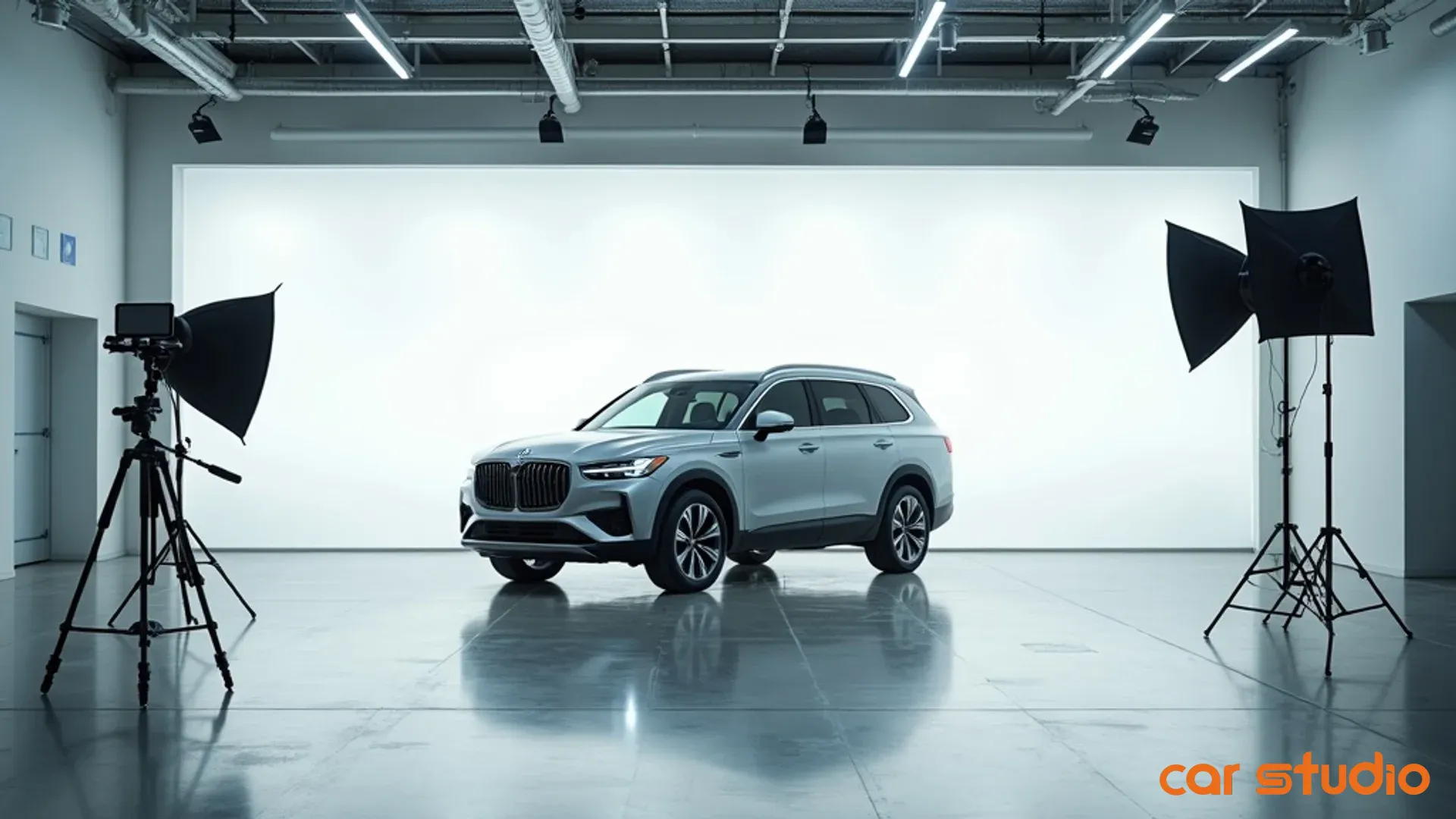
That speed unlocks merchandising strategies that weren't possible before. You can re-shoot and re-process seasonal inventory with winter or summer backgrounds. You can update your entire lot's imagery when you rebrand. You can maintain photo standards even during high-volume acquisition periods.
AI doesn't replace your photography process. It makes your existing process scalable.
Implementation Playbook: Your Dealership's AI Workflow
Rolling out an ai photo editing workflow requires more than signing up for a tool. You need a defined standard, clear roles, and integration points with your existing recon and merchandising process.
Start by defining your new photo standard. Decide on background style, number of photos per vehicle, required angles, and quality thresholds. Document this in a one-page spec sheet that your photography and recon teams can reference.
Your standard should answer these questions: What backgrounds will you use for different vehicle types? How many exterior and interior shots are required? What's the minimum acceptable resolution? Who approves exceptions?
Without a written standard, you'll end up with the same inconsistency you're trying to fix. Different staff members will make different choices, and your AI-edited photos will still look disjointed.
Integrate AI into your reconditioning process at the right stage. The ideal insertion point is after photography but before QC and upload. Your workflow should look like this:
Photography happens during recon. Your lot attendant or photographer shoots the vehicle using your standard shot list. Images go directly into a staging folder or are uploaded to your AI tool.
AI processing happens in batch. At the end of each day or after each recon session, someone runs the entire batch through your artificial intelligence image editor. Backgrounds are replaced, enhancements are applied, and processed images are exported.
QC happens before upload. A designated team member reviews processed images to catch errors, check for artifacts, and ensure the output meets your standard. Approved images move to your inventory management system or VDP platform.
Upload and syndication happen as usual. Once images pass QC, they're uploaded to your DMS, website, and third-party listing sites just like any other photo set.
Assign clear roles for each step. Photography is usually handled by recon or lot staff. AI processing can be done by the same person or handed off to a dedicated merchandising role. QC should be someone with an eye for detail, often a marketing coordinator or inventory manager.
Upload responsibility depends on your systems. Some dealers automate this step entirely. Others require manual upload to ensure proper sequencing and metadata.
The key is accountability. Every step needs an owner. If nobody's responsible for QC, bad images will slip through. If processing isn't assigned to a specific role, it won't happen consistently.
Evaluating SaaS versus in-house tooling options comes down to control, cost, and capability.
SaaS platforms are the fastest path to results. You sign up, upload images, and get processed photos back in minutes. Most platforms offer batch processing, API integrations, and pre-built backgrounds. You pay per image or via subscription, and the vendor handles updates, infrastructure, and support.
The trade-off is less control. You're limited to the backgrounds, styles, and features the platform offers. Customization is minimal. If the vendor changes pricing or shuts down, you're stuck.
SaaS works best for dealers who want speed and simplicity. If you're processing 50 to 200 vehicles per month and need consistent results without technical overhead, a platform like Car Studio AI or a similar provider is the right choice.
In-house tooling gives you full control but requires technical resources. You'd use open-source AI models or build custom scripts to process images on your own servers. You can create proprietary backgrounds, fine-tune enhancement algorithms, and integrate directly with your DMS.
The cost is upfront development and ongoing maintenance. You need someone who understands AI, image processing, and your dealership's systems. For most single-location or small group dealers, this doesn't make financial sense.
In-house tooling works for large dealer groups with dedicated IT teams and unique branding requirements. If you're running 500-plus units per month across multiple rooftops and want a proprietary look, the investment can pay off.
Agency services sit in the middle. You send photos to a third party, and they return edited images within 24 to 48 hours. Quality is usually high because humans are involved in QC, but speed and cost are worse than SaaS.
Agencies make sense if you're only processing high-value or aged inventory where perfect results matter more than turnaround time. For day-to-day merchandising, they're too slow and expensive.
Most dealers should start with a SaaS platform. It's low-risk, fast to implement, and easy to scale. You can always move to a different model later if your needs change.
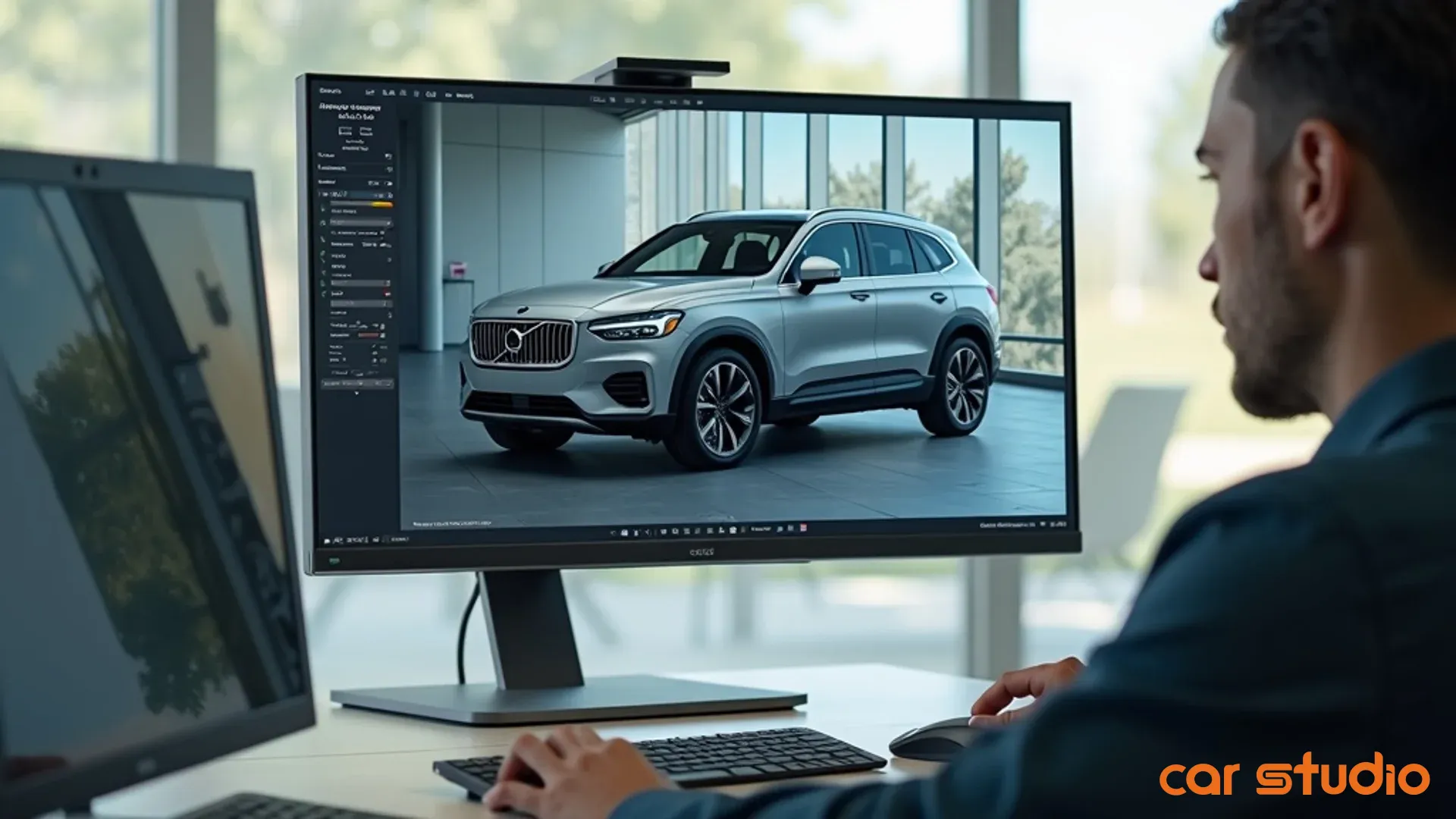
When evaluating SaaS providers, focus on these criteria:
Output quality. Request sample images using your own photos. Check shadows, reflections, and edge quality. If the car looks cut out and pasted, keep looking.
Background library. Make sure the platform offers backgrounds that match your brand. If you're a luxury dealer and all the options look like stock photo warehouses, it's not a fit.
Processing speed. Batch processing should take seconds per image, not minutes. If you're waiting hours for results, the tool will bottleneck your workflow.
Integration options. API access or direct integrations with your DMS and inventory platforms save time. Manual upload and download adds friction.
Pricing transparency. Understand the cost per image, monthly caps, and overage fees. Some platforms charge per vehicle, others per image. Do the math based on your volume.
Support and onboarding. You'll need help during setup. Make sure the vendor offers real support, not just a knowledge base.
Once you've chosen a tool, build a simple standard operating procedure. Write down each step, assign roles, and set expectations for turnaround time. A one-page SOP is enough.
Your SOP should include where photos are stored, who processes them, how QC is documented, and what happens when an image fails QC. Keep it simple and update it as you learn.
The goal is repeatability. Anyone on your team should be able to follow the SOP and produce consistent results.
Objections & Pitfalls to Avoid
The most common objection is "it looks too fake." Dealers worry that AI-edited photos will feel dishonest or turn off buyers.
This fear is valid if you're using a low-quality tool or choosing inappropriate backgrounds. A car floating in a void with no shadow looks fake because it is fake. A luxury sedan placed in front of a tropical beach looks ridiculous.
The solution is quality control and smart background selection. Use realistic environments that match your market and vehicle type. Studio backgrounds work for most inventory. Showroom settings work for premium units. Outdoor scenes work if they're neutral and professional.
Run every batch through QC before publishing. Reject images with obvious artifacts, mismatched lighting, or unnatural shadows. A good ai photo enhancer should produce results that are indistinguishable from professional studio photography.
If your processed images look fake, the problem is your tool or your settings, not the concept of AI editing.
Training staff and ensuring adoption is the second biggest hurdle. Your team is used to the old process. Changing workflows creates resistance, especially if people don't understand why it matters.
Start with education. Show your team the engagement data. Explain how better photos lead to more clicks, more leads, and faster turns. Make it clear that this isn't about making their jobs harder. It's about making the dealership more competitive.
Involve your team in the rollout. Let them test tools, choose backgrounds, and provide feedback. People support what they help create.
Assign a champion who believes in the change and can troubleshoot problems. This person becomes the go-to resource when someone gets stuck or frustrated.
Expect a learning curve. The first few batches will take longer as people figure out the workflow. That's normal. Focus on consistency, not speed, during the first two weeks.
Choosing the wrong backgrounds for your brand is a subtle but costly mistake. Backgrounds aren't one-size-fits-all. A background that works for a luxury dealer will look out of place at a buy-here-pay-here lot.
Match your backgrounds to your customer's expectations. If you're selling $60,000 SUVs, use clean showroom or modern studio backgrounds. If you're moving $12,000 sedans, outdoor or neutral settings feel more authentic.
Avoid overly stylized or distracting backgrounds. The car should be the focus. A dramatic sunset or a city skyline pulls attention away from the vehicle.
Test backgrounds with a small sample of inventory before rolling them out across your entire lot. Get feedback from your sales team and monitor engagement metrics.
Another common pitfall is inconsistent application. Some cars get AI-edited photos, others don't. This creates the same inconsistency problem you're trying to solve.
Commit to processing all inventory or none. Partial adoption makes your merchandising look sloppy.
Finally, don't over-edit. AI can enhance colors, sharpen details, and improve lighting, but if you push settings too far, cars start to look oversaturated or artificial. Aim for clean and professional, not magazine cover.
The goal is to present your inventory honestly and attractively. AI should make your photos better, not unrecognizable.
Quick Wins in 14 Days: A Pilot Program
You don't need to overhaul your entire operation to see results. A focused 14-day pilot program proves ROI and builds confidence before you scale.
Start by selecting 10 problem vehicles. These should be aged inventory units that have been online for 30-plus days with low engagement. Choose cars that are priced correctly and reconditioned well but aren't getting clicks.
Avoid your best-performing units. You want to test whether better photos can move cars that are currently stuck. If you pick vehicles that are already getting traffic, you won't see a meaningful lift.
Process images with an ai photo editor. Use a SaaS platform like Car Studio AI or another tool you're evaluating. Upload your existing photos, apply consistent backgrounds and enhancements, and export the processed images.
Replace the old photos on your VDPs with the new AI-edited versions. Make sure the new images go live across your website and all third-party listing sites.
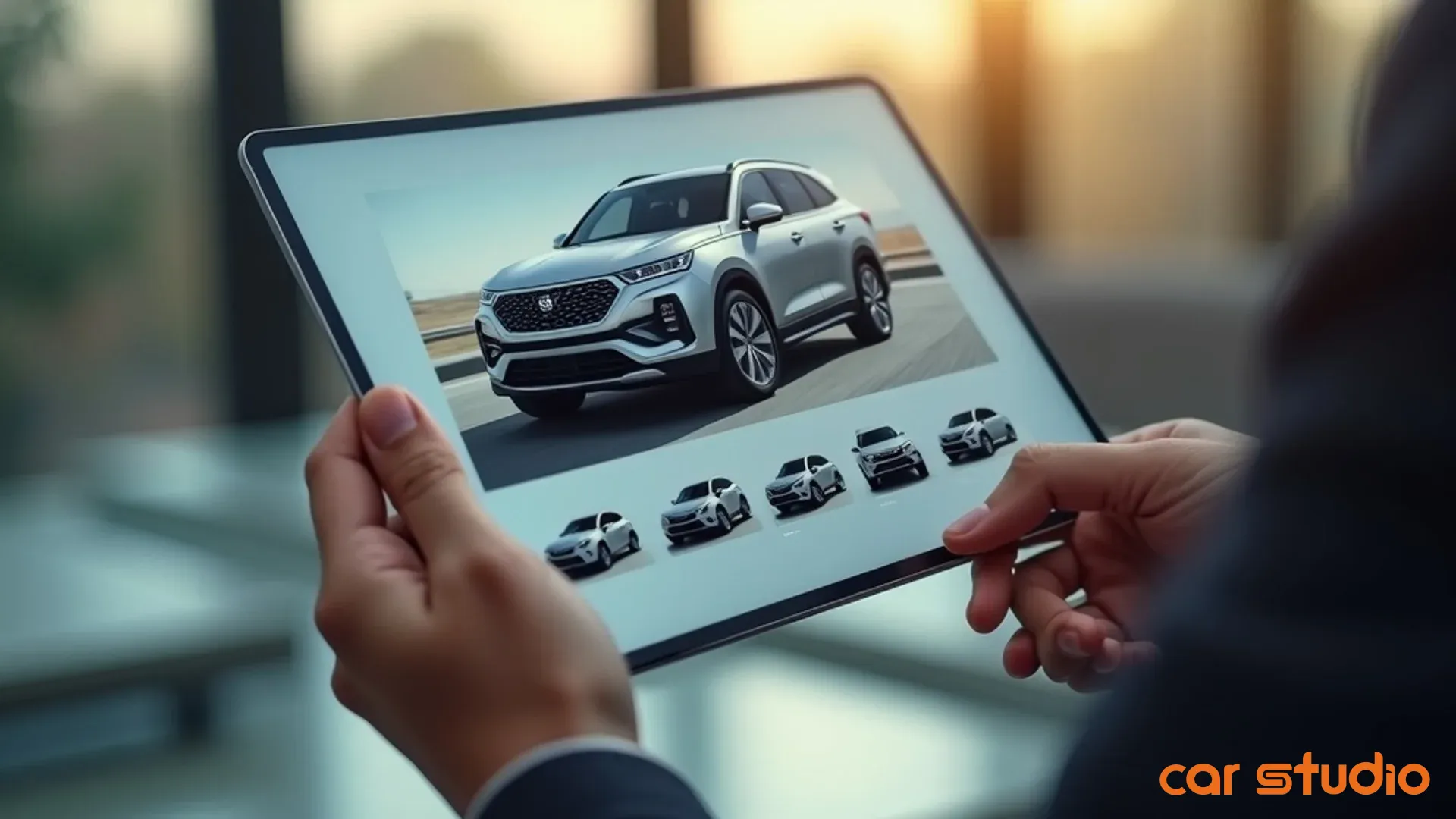
Track VDP views, clicks, and leads for the 10 pilot vehicles. Set up a simple tracking sheet or use your analytics platform to monitor engagement. Record baseline data from the week before you swapped the photos so you have a comparison point.
The metrics that matter are VDP views, time on page, lead form submissions, and phone calls attributed to those listings. You're looking for a measurable increase in engagement.
Compare performance against baseline data after 14 days. Did VDP views increase? Did you get more leads? Did any of the pilot vehicles sell?
Even a modest lift is significant. If your pilot cars see a 20 to 30 percent increase in VDP views or generate two to three additional leads, you've proven the concept.
If one or more of the pilot vehicles sells during the test period, calculate the impact on days on lot and gross profit. Faster turns mean lower floorplan costs and better inventory velocity.
Document what worked and what didn't. Did certain backgrounds perform better? Were there any quality issues with the processed images? Did the workflow take longer than expected?
Use this feedback to refine your process before scaling. Adjust your photo standard, tweak your QC checklist, or switch tools if necessary.
A successful pilot gives you the data and confidence to roll out AI photo editing across your entire inventory. A failed pilot teaches you what to fix before you invest more time and money.
Either way, you're 14 days closer to a scalable solution.
The pilot program also builds internal buy-in. When your sales team sees aged inventory start moving because of better photos, they'll support the change. When your GM sees engagement metrics improve, they'll approve the budget.
Proof beats persuasion every time.
Once your pilot is complete, decide whether to scale immediately or run a second round with different vehicle types or backgrounds. Some dealers test multiple background styles to see which resonates best with their audience.
The key is to move quickly. Don't let the pilot drag on for months. Fourteen days is enough to see a signal. Make a decision and act.
Stop Losing Clicks to Bad Photos
Your inventory is only as visible as your photos make it. A great car with bad merchandising is a car that doesn't sell.
An ai photo editor doesn't just make your listings look better. It creates a consistent, professional digital showroom that builds trust, drives engagement, and accelerates turn rates.
The operational advantage is speed and scale. You can process your entire inventory in hours, maintain photo standards across hundreds of units, and respond to market changes without hiring additional staff or outsourcing to agencies.
The financial advantage is faster turns and lower holding costs. When cars get more clicks, they generate more leads. When they generate more leads, they sell faster. When they sell faster, you free up capital, reduce floorplan interest, and improve your inventory velocity.
The competitive advantage is differentiation. Most dealers still post inconsistent, low-quality photos because they don't have a scalable solution. When you show up with clean, professional imagery on every listing, you stand out.
Implementation doesn't require a massive investment or a six-month project. You can run a pilot program in 14 days, prove ROI with 10 vehicles, and scale from there.
The tools exist. The workflow is straightforward. The results are measurable.
What's missing is the decision to act.
Ready to see what AI merchandising can do for your inventory? Car Studio AI automates your entire imaging workflow, from background replacement to enhancement and QC. Schedule a personalized demo and we'll show you how to process your first batch in under an hour.
Stop guessing whether better photos will move your aged inventory. Book a strategy call and we'll help you build a custom pilot program tailored to your store, your market, and your merchandising goals. Let's turn your digital showroom into a sales engine.