

The Hidden Cost of Inconsistent Car Photos (And What It Drains From Every Sale)
You've refined your sales process. You've trained your team on response time. You've invested in CRM automation and lead sources. But there's a leak draining margin from every unit you sell, and most sellers never see it coming.
It isn't your sales process. It isn't your pricing. It's the visual mess on your listings.
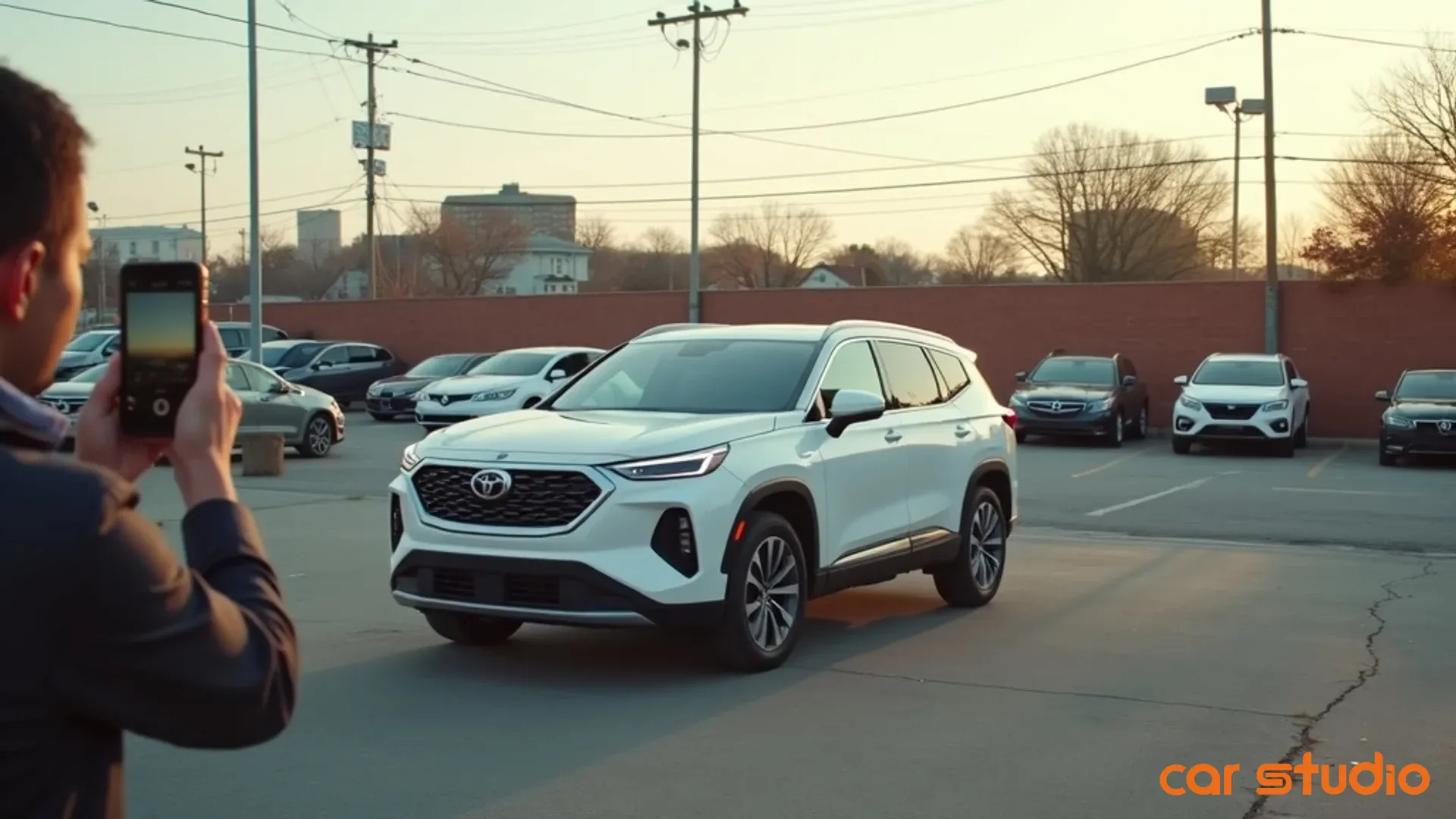
While you're analyzing follow-up speed and tracking where leads come from, shoppers are bouncing off your vehicle pages before they ever reach out. They scroll past your inventory because the photos look like they were shot in a junkyard — even though your reconditioning is solid. And they use your inconsistent imagery as leverage to grind you down on price, because sloppy presentation signals a seller who's desperate to move metal.
The logic is brutal. If poor photos cost you even one extra day of inventory turn per unit across a large lot, the daily carrying cost of that idle inventory adds up fast — month after month. Layer on the margin lost when weak presentation invites negotiation, and the gross you never capture from shoppers who don't engage, and the leak runs deep.
This isn't about being pretty. It's about protecting gross profit and accelerating turn. Whether you're an independent dealer, a large used-car operation, a marketplace, or an individual seller, the same leak applies. Let's close it.
What Visual Inconsistency Actually Costs You
Inconsistency isn't a marketing problem. It's a profit problem that compounds with every shopper who lands on your listings.
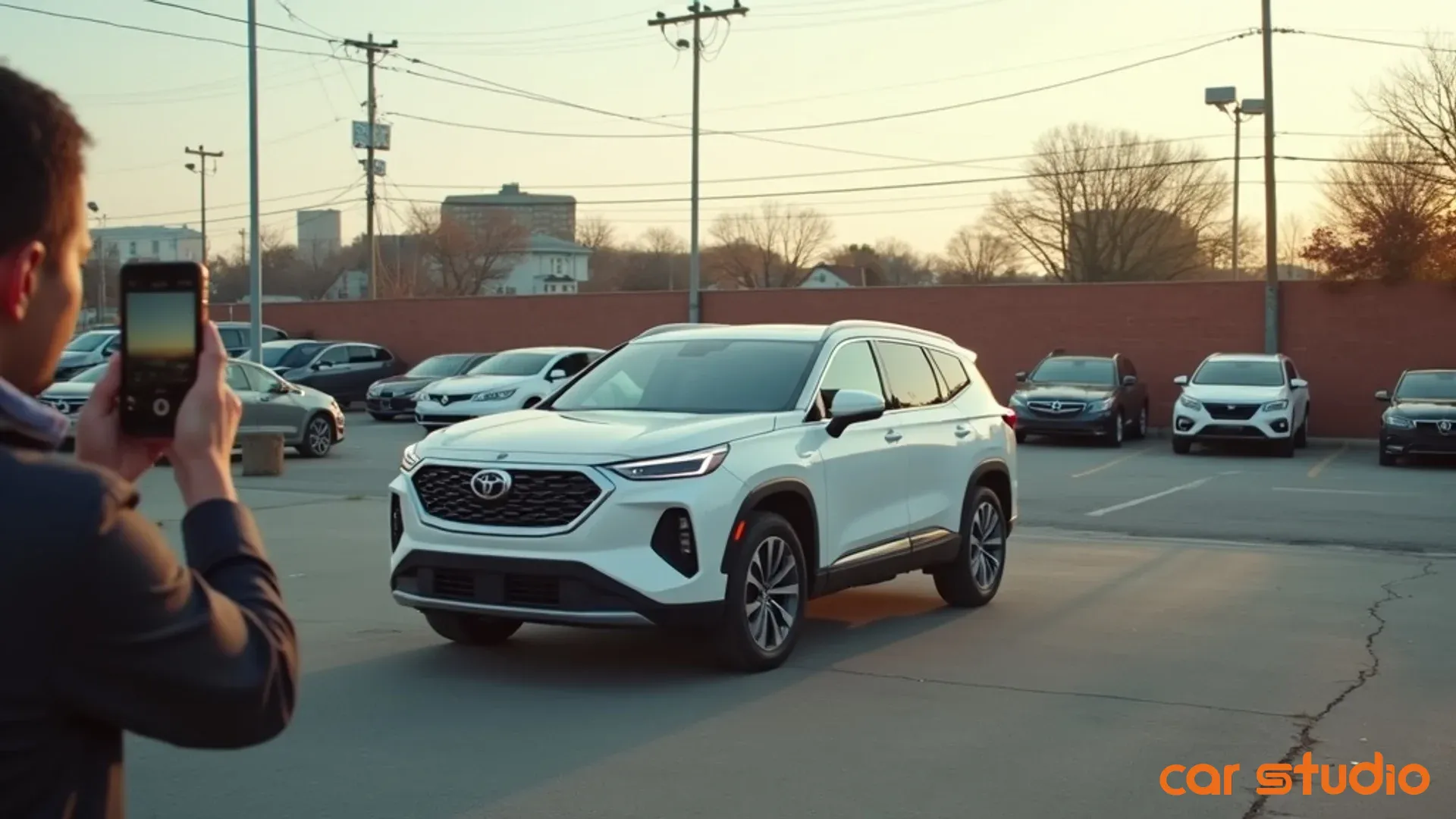
It erodes trust before the first contact. When a shopper sees five vehicles from your inventory and every listing looks like it was shot by a different person in a different decade, they draw one conclusion: this seller doesn't have its act together. If you can't hold a basic standard in your listings, what does that say about how you'd handle the deal? Trust is the currency of conversion, and you lose it in the first few seconds of a page visit — long before anyone builds rapport. Shoppers who don't trust your presentation simply move to the next result. They don't call. They don't fill out forms. They vanish.
It lowers engagement and conversion. When photos are inconsistent, shoppers spend less time on your pages, view fewer images, and leave before they reach your call-to-action. They aren't getting the information they need to move forward, so they don't. Clean, consistent imagery keeps them looking longer and clicking through more photos — and more time on page means more chances to convert. Every point of conversion matters when each lead has a real acquisition cost; even a modest drop from weak visuals is money lost.
It weakens pricing power and invites negotiation. This is the part that hits gross profit directly. When photos look unprofessional, shoppers assume the vehicle is worth less — and they use your own imagery against you. "The pictures don't look great, so I'm not paying asking price." You've just handed them leverage. Inconsistent backgrounds, poor lighting, and blurry shots telegraph that you aren't confident in the product. Confident sellers present confident inventory. Shoppers read visual cues faster than they read the description, and they price accordingly. Premium presentation commands premium pricing; lot shots that look like a classifieds free-for-all invite classifieds pricing.
Pro tip: Pull your top 20 listings by views and compare average days-to-sale against your bottom 20. A significant gap is a sign your visual inconsistency is directly affecting turn.
A 5-Point Framework for Visual Consistency
Consistency isn't about perfection. It's about predictability — shoppers need to know what they're getting, and your team needs a repeatable standard they can execute every time.
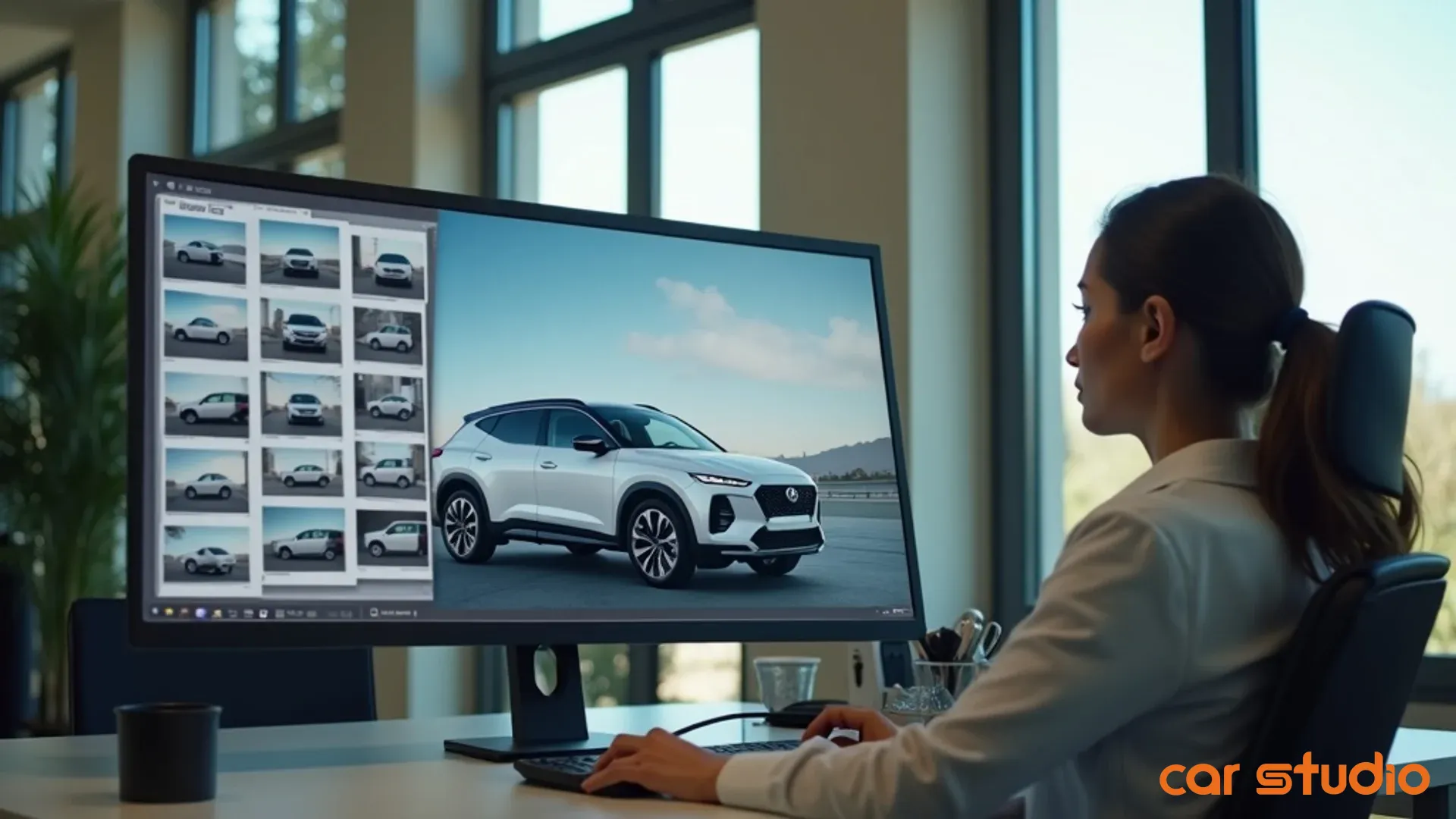
- Backgrounds and branding. Your background is your brand. Every photo with a cluttered lot, a chain-link fence, or a dumpster in the frame is a missed branding opportunity and a distraction from the vehicle. Establish one standard background for every unit: a dedicated bay if you have one, or a designated clean area with no other cars, no service bays, nothing but the unit you're selling. A neutral backdrop with your logo subtly placed reinforces recognition — shoppers scrolling dozens of listings remember the seller whose inventory looked cohesive. If your physical space doesn't allow clean backgrounds, digital background replacement becomes essential: shoot anywhere, and swap in a branded, consistent environment.
- Lighting and angles. Lighting inconsistency kills more deals than you'd think. A car shot in harsh midday sun looks washed out; the same car at dusk looks dingy. When lighting changes photo to photo, shoppers can't assess condition, so they assume the worst. Shoot in consistent windows — early morning or late afternoon gives soft, even light — or use basic indoor lighting that removes dark spots and reflections. Angles matter just as much: front and rear three-quarter, side profile, dashboard, front and rear seats, cargo area, engine bay, wheels, and key features. Every vehicle, every time. Make it a non-negotiable shot list of roughly fifteen angles; with repetition, your team can execute it in under ten minutes per vehicle.
- Image quality. Blurry photos are deal-killers. Shoppers zoom in to inspect condition, and if the image falls apart under scrutiny, they assume you're hiding something. Shoot at the highest resolution your device allows — modern phones are more than capable; the issue is rarely the equipment, it's the lack of process. Keep every shot sharp and in focus, properly exposed, with correct white balance so the car doesn't look yellow under artificial light. If your team struggles with manual settings, an AI photo enhancer can correct exposure, white balance, and sharpness automatically — but technology can't fix a process that doesn't exist.
- A documented visual standard. Your standard is a one-page guide that defines exactly what "good" looks like: an example photo for each required angle, your background standard, acceptable lighting, and a resolution minimum. Make it visual — show the right way and the wrong way side by side — and keep it accessible: printed in your photo area, saved in your shared drive, sent to any freelance photographer. A standard nobody can reference won't get followed.
- A simple QA step. Quality assurance is the difference between a standard that exists and one that gets followed. Assign one person the authority to review every vehicle before it goes live, using a quick pass/fail checklist: all required angles present, background clean and consistent, images sharp and properly exposed. If any answer is no, it goes back. A trained reviewer can clear a full photo set in under a minute — a small investment to protect everything you've already spent on reconditioning, marketing, and carrying the unit. As you scale, automated tools can flag off-standard images and fix common issues like background clutter or lighting without manual effort.
Pro tip: Track your QA rejection rate by whoever shoots the photos. If one person consistently misses, that's a training issue, not a process issue.
Common Objections
"We don't have time for this." You don't have time not to. Every day a vehicle sits with bad photos is a day of carrying cost and lost margin. Usually "no time" really means "no process." Standardize the shot list so nobody's guessing, use AI to handle background replacement and lighting automatically, and batch your photo sessions. Once the system exists, the time drops sharply — ten minutes to shoot, one to QA. Eleven minutes to protect real gross.
"Our photographer is inconsistent or freelance." Two options: train them or replace them. Share your standard, walk the shot list together, and give feedback on every batch until it's right — most photographers want to do good work and just need to know the expectation. If training doesn't take, move on. Or eliminate the variability entirely with an AI editor that standardizes every image regardless of who shot it, so you get consistent results from any source.
"Good photos don't matter for aged units." Backwards — they matter more. When a vehicle has been sitting a long time, shoppers assume something's wrong with it, and bad photos confirm the suspicion. Clean presentation gives aged inventory a second life: refresh the photos, replace the background, enhance the lighting, and shoppers who scrolled past last month take another look. It's one of the cheapest, fastest ways to restart the clock without cutting price.
Pro tip: Run a monthly audit of units over 60 days and re-shoot or digitally enhance the photos. Fresh imagery can restart engagement without a price cut.
Your 14-Day Quick-Wins Plan

You don't need to overhaul everything overnight. Start with three high-impact moves.
- Audit your top 10 listings. Pull your ten most-viewed listings from the last 30 days — your highest-traffic pages, which makes them your biggest opportunity and biggest liability. Review critically: consistent backgrounds, even lighting, all required angles, sharp high-resolution images. Any "no" is your first priority, because shoppers are already looking at these.
- Fix the 5 worst offenders with editing. You don't need to reshoot everything. Digitally enhance your five weakest listings: correct lighting and sharpness, remove distracting objects, and replace the background entirely if it's beyond saving. This takes minutes per vehicle — you can clear all five in an afternoon, with an immediate impact on engagement.
- Define a non-negotiable background standard. Pick one location that becomes your default background, mark it, and communicate it. If you don't have a clean physical space, commit to digital background replacement for every listing. The key is consistency — shoppers should see the same environment across your whole inventory. Put it in writing and share it with everyone who touches photography. No more exceptions.
Scaling Consistency With an AI Photo Editor
Manual processes work until they don't. As inventory grows, teams turn over, and volume rises, manual QA and editing become bottlenecks. This is where AI earns its place.
- Replace messy backgrounds with branded ones instantly. An AI photo editor removes cluttered lot backgrounds and swaps in clean, branded environments in seconds — no reshoots, no waiting for good weather, no scheduling around a photo bay. You shoot wherever's convenient, and the background stays consistent across every listing. The vehicle and its condition are real; you're just controlling the presentation so shoppers focus on what matters.
- Correct lighting and enhance detail automatically. Lighting is one of the hardest things to keep consistent by hand — weather shifts, time of day changes, indoor light varies. AI adjusts exposure, contrast, and white balance to a consistent standard on every image, then sharpens and brings out texture in paint and upholstery, so smartphone shots look professionally finished.
- Hold the standard without manual effort. The biggest advantage isn't speed or quality — it's consistency. People get tired, forget steps, and cut corners when busy. Routing every photo through an AI editor guarantees each listing meets your standard: backgrounds always clean, lighting always corrected, resolution always sufficient. That matters most for larger operations managing hundreds of units across locations, where manual QA simply doesn't scale. You set the standard once, and the system enforces it.
Tools like Car Studio AI are purpose-built for vehicles — trained on the specific needs of automotive presentation, from background replacement to lighting correction to detail enhancement — rather than a generic consumer photo app you're hoping works.
Pro tip: Evaluating an AI editor? Test it on your five worst current listings. The before-and-after tells you everything you need to know about the payback.
Stop Leaving Gross Profit on the Table
Visual inconsistency is the leak you didn't know you had. It costs margin on every vehicle, slows your turn, and hands negotiation leverage to shoppers before they ever reach out.
The fix isn't complicated: document your standard, train your team, add a QA step, and use technology to scale what works. You've already invested in reconditioning, marketing, and competitive pricing — don't let inconsistent photos undermine all of it. Start with the 14-day plan: audit your top listings, fix your worst offenders, define your background standard, and build from there.
See what an AI photo editor can do — try Car Studio AI free. No credit card, no subscription.
For dealerships · marketplaces · OEMs · individual sellers