
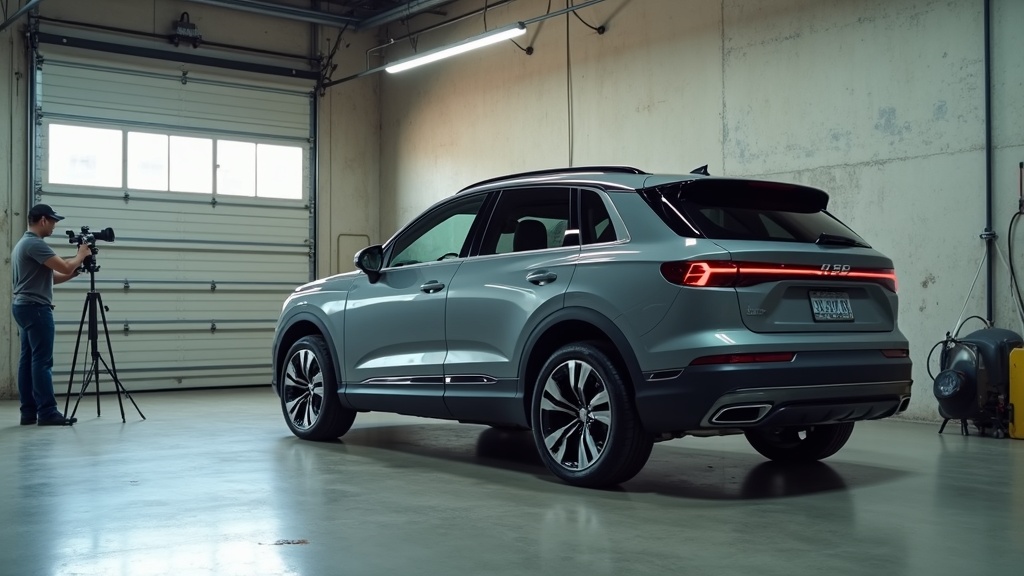

The Hidden Cost of Inconsistent Visuals on Your Marketplace Listings
Your best unit sits on the lot for 47 days while a competitor's similar model sells in 22. Same year, same trim, same miles. The difference? Their VDP photos look like they came from a studio. Yours look like they were shot during a thunderstorm in the service lane.
Inconsistent vehicle photography isn't a branding problem. It's a profit problem. When your marketplace listings show cluttered backgrounds, blown-out lighting, and missing angles, buyers scroll past before they ever see your price or CarFax. You're not losing to better inventory. You're losing to better visuals.
Most dealers know their photos could be better. Few realize how much money poor visual merchandising costs them every single month. Slower turn rates mean higher floor plan costs. Lower engagement means fewer leads. Weak first impressions mean more price resistance and smaller gross. The math adds up fast.
The good news? Visual consistency is a solvable operational problem. You don't need a professional photographer on staff or a dedicated photo studio. Modern AI photo editor tools can standardize your entire inventory in the time it takes your lot porter to move ten cars. This article shows you exactly how to fix it, step by step, with a system that scales.
Why Inconsistent Visuals Are a Silent Profit Killer
Buyers form an opinion about your dealership in under three seconds when they land on the VDP. If the first photo shows a dirty background, inconsistent lighting, or a missing front three-quarter angle, they assume the rest of your operation is equally sloppy.
That snap judgment costs you in three measurable ways.
First, it erodes trust instantly. A buyer scrolling through Cars.com or AutoTrader sees twenty similar vehicles. Fifteen have clean, consistent photos with neutral backgrounds and proper lighting. Five look like they were photographed in a hurry with a phone camera. Which group gets clicked? Professional visuals signal that you run a professional operation. Inconsistent visuals signal the opposite, even if your reconditioning process is flawless.
Second, it harms your competitive position. When your listing sits next to a competitor's polished VDP, the contrast is brutal. Buyers don't know your service department has better CSI scores or that your finance team closes faster. They see the photos. If your visuals look amateur, they assume your entire dealership is second-tier. You're fighting an uphill battle before the first phone call.
Third, it creates operational drag and hidden costs. Inconsistent photos slow your merchandising process. Your team wastes time deciding which photos are "good enough" to upload. Your internet sales team fields questions about vehicle condition because the photos don't show key details. Your marketing director manually edits backgrounds in Photoshop for your best units while the rest of the inventory gets ignored. Every inefficiency compounds.
The revenue impact shows up in your turn rate. Vehicles with professional, consistent photography typically move faster than identical units with poor visuals. Even a five-day reduction in days-to-sale across your inventory can save thousands in floor plan interest monthly. For a 100-unit store, that's real money.
Inconsistent visuals also suppress lead volume. Marketplace algorithms favor listings with higher engagement. If buyers skip your VDPs because the photos look unprofessional, your organic visibility drops. You get fewer impressions, fewer clicks, and fewer leads, even if your pricing is competitive.
Finally, poor visuals hurt your gross profit. When a buyer walks in with doubts about vehicle condition based on unclear photos, they negotiate harder. Your sales team spends the first ten minutes of the appointment rebuilding trust instead of building value. That's a tough spot to close from.
The bottom line? Inconsistent vehicle photography is a profit leak you can measure. It's not about aesthetics. It's about conversion, velocity, and margin.
The 5 Types of Visual Inconsistency Damaging Your Listings
Not all photo problems are created equal. Some inconsistencies confuse buyers. Others actively repel them. Here are the five most common visual mistakes dealers make, and why each one costs you sales.
1. Cluttered or Varying Backgrounds
Your inventory photos show a mix of backgrounds: the service lane, the front lot, a random street, the body shop. One car has a dumpster in the background. Another has a customer's trade visible behind it. A third shows your competitor's sign across the street.
Cluttered backgrounds distract buyers from the vehicle. Their eyes wander to the trash can, the chain-link fence, or the oil stain on the pavement. Worse, varying backgrounds make your inventory look disorganized. Buyers subconsciously assume you don't have a process.
Professional dealers use neutral, consistent backgrounds for every vehicle. It doesn't matter if it's a $12,000 Civic or a $75,000 F-250. The background should disappear so the car stands out. An ai photo editor can replace messy backgrounds with clean, branded environments in seconds, no reshoots required.
2. Poor Resolution or Lighting
Blurry photos kill credibility. If a buyer can't read the badge on the grille or see the texture of the leather seats, they assume you're hiding something. Low-resolution images also look terrible on mobile devices, where most marketplace browsing happens.
Lighting inconsistency is just as damaging. One photo is overexposed with blown-out highlights. The next is underexposed with muddy shadows. A third has harsh midday sun creating glare on the windshield. Buyers can't get an accurate sense of the vehicle's color or condition.
Modern tools can unblur image files and correct lighting automatically. An ai photo enhancer analyzes each photo and adjusts exposure, contrast, and sharpness to meet professional standards. You don't need to reshoot. You just need to process what you already have.
3. Unprofessional Watermarks
Some dealers slap a giant logo across the center of every photo. Others use outdated watermarks with old branding or phone numbers. A few include watermarks that cover critical vehicle details like the VIN plate or the odometer.
Watermarks serve a purpose: they protect your images and reinforce your brand. But oversized or poorly placed watermarks make your photos look cheap. Buyers focus on the obstruction, not the vehicle.
The fix is simple. Create a clean, minimal watermark template that sits in a consistent corner of every image. Make it visible but not distracting. Your brand should enhance the photo, not dominate it.
4. Missing Key Vehicle Angles
Incomplete photo sets frustrate buyers and tank engagement. A VDP with only five photos when competitors show 30 signals laziness. Missing critical angles like the odometer, the cargo area, or the engine bay raises red flags.
Buyers want to see everything before they drive to your lot. If they can't find the photos they need, they move to the next listing. It's that simple.
Every vehicle should have a standardized shot list: front three-quarter, rear three-quarter, side profile, interior dashboard, front seats, rear seats, cargo area, engine bay, wheels, and odometer. Add more for trucks (bed shots) and luxury vehicles (tech features). Consistency across your inventory builds trust and reduces bounce rates.
5. Inconsistent Post-Processing
Your best units get the full treatment: color correction, background replacement, and detail enhancement. The rest get uploaded raw. The result? Your inventory looks uneven. Buyers wonder why some cars get premium presentation while others don't.
Inconsistent post-processing also wastes time. Your team makes subjective decisions about which vehicles deserve editing. That's not scalable. You need a system that applies the same quality standard to every unit, regardless of price or age.
An artificial intelligence image editor can process your entire inventory with the same rules: same background, same lighting adjustments, same resolution standards. No favoritism. No guesswork. Just consistent, professional results across the board.
Implementation Playbook: Your 4-Step Visual Consistency System
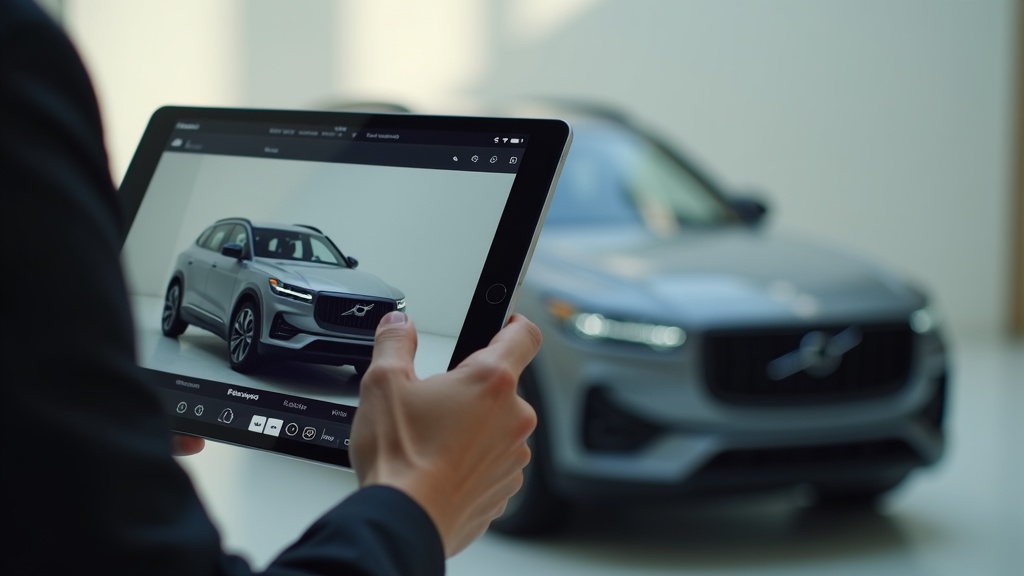
Fixing visual inconsistency isn't about buying expensive cameras or hiring a photographer. It's about building a repeatable system that your team can execute every time a vehicle hits the lot. Here's the four-step framework that works.
Step 1: Define Your Standard VDP Shot List
Start by documenting exactly which photos you need for every vehicle. This isn't optional. It's a checklist your lot team follows without exception.
Your baseline shot list should include:
- Front three-quarter angle (driver's side)
- Rear three-quarter angle (driver's side)
- Straight-on front view
- Straight-on rear view
- Driver's side profile
- Passenger's side profile
- Dashboard and steering wheel
- Front seats
- Rear seats
- Cargo area or truck bed
- Engine bay
- Odometer close-up
- Wheel and tire close-up
- Any unique features (sunroof, tech screens, tow package)
For higher-value inventory, add detail shots: stitching on the seats, wood trim, infotainment system, key fob, and any recent service work.
Create a laminated checklist and give one to every person who photographs vehicles. No exceptions. Every car gets the full set, every time.
Step 2: Standardize Backgrounds Using an AI Photo Editor
Cluttered backgrounds are the easiest problem to fix and deliver the biggest visual impact. You don't need a photo studio. You need an ai photo editor that can replace backgrounds automatically.
Here's the workflow:
- Photograph vehicles wherever it's convenient (front lot, service lane, wherever).
- Upload raw photos to your ai photo editor tool.
- Select a neutral background template (solid color, gradient, or branded environment).
- Process the entire batch in one click.
- Download standardized images ready for marketplace upload.
Tools like Car Studio AI specialize in automotive background replacement. They detect the vehicle outline, remove the original background, and insert a clean, professional environment. The process takes seconds per photo, not minutes.
This solves two problems at once. First, it eliminates visual distractions. Second, it creates consistency across your inventory. Every vehicle appears in the same environment, reinforcing your brand and professionalism.
Step 3: Set Quality Rules for Resolution and Lighting
Blurry, dark, or overexposed photos make your inventory look low-rent. Establish minimum quality standards and enforce them.
Your quality rules should include:
- Minimum resolution: 1920x1080 pixels per image (higher for hero shots).
- File format: JPEG with at least 80% quality setting.
- Lighting: No harsh shadows, no blown-out highlights, no underexposed interiors.
- Focus: Every image sharp and clear, especially badges, odometer, and interior details.
If your current photos don't meet these standards, don't reshoot everything. Use an image resolution enhancer to upscale image files and an ai photo enhancer to correct lighting and sharpness. Modern tools can unblur picture files and recover detail from poorly lit shots.
Set up a simple quality gate: before photos go live, someone reviews them against your checklist. If they don't pass, they get reprocessed or reshot. No exceptions.
Step 4: Create Templates for Overlays and Branding
Your watermark and any overlays (price badges, "Certified" flags, "New Arrival" tags) should be templated and applied consistently.
Build a library of overlay templates:
- Standard watermark (bottom corner, 15% opacity, current logo and phone number)
- "Certified Pre-Owned" badge (top corner, only for CPO units)
- "New Arrival" flag (top corner, only for units on lot less than 7 days)
- Price callout (optional, only if your marketplace allows it)
Apply these templates automatically during post-processing. Don't let your team freestyle it. Consistency builds trust.
4-Step Visual Consistency Workflow (SOP)
- Capture: Lot team photographs vehicle using standardized shot list checklist.
- Process: Upload raw photos to ai photo editor, apply background replacement, lighting correction, and resolution enhancement.
- Brand: Apply watermark and overlay templates automatically.
- Publish: Export final images and upload to inventory management system for marketplace syndication.
This workflow takes 10-15 minutes per vehicle once your system is in place. Compare that to the hours your team currently spends manually editing photos or the lost sales from skipping the work entirely.
AI Photo Editor vs. Manual Editing
Find Your Visual Bottleneck (Decision Tree)
Start here: Do you have a standardized shot list?
- No: Create one today using the baseline list above. This is your foundation.
- Yes: Are your backgrounds consistent across all inventory?
- No: Implement an ai photo editor for background replacement.
- Yes: Are your photos sharp and well-lit?
- No: Use an ai photo enhancer to fix resolution and lighting.
- Yes: Are your watermarks and overlays professional and consistent?
- No: Build overlay templates and apply them automatically.
- Yes: Audit your VDP engagement metrics. If they're strong, you're done. If not, test adding more detail shots or video.
Objections & Pitfalls
Every dealer knows their photos could be better. Most don't fix the problem because they hit one of four common objections. Here's how to overcome each one.
"It takes too much time."
This is the most common pushback, and it's valid if you're doing everything manually. Editing backgrounds in Photoshop, adjusting lighting, and resizing images can take an hour per vehicle. Multiply that by 100 units and it's not feasible.
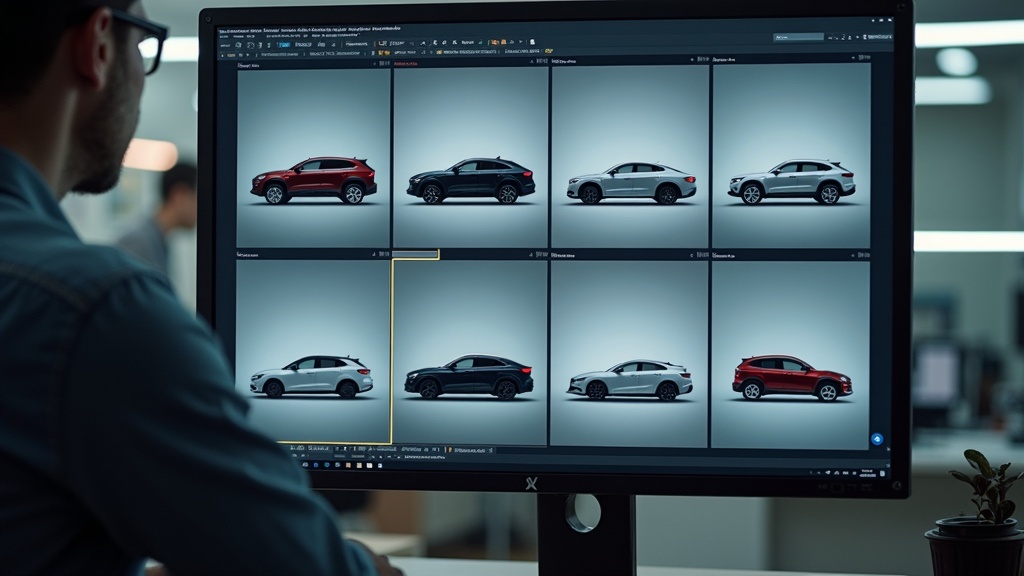
The solution isn't to skip the work. It's to automate it. An ai photo editor processes an entire vehicle's photo set in minutes, not hours. Your lot team captures the photos. The software handles the rest: background replacement, lighting correction, resolution enhancement, and watermark application.
Car Studio AI is purpose-built for this workflow. Upload raw photos, select your background template, and export marketplace-ready images in one click. The time investment drops from an hour to ten minutes. That's scalable.
"My staff isn't trained."
You don't need a professional photographer on staff. You need a checklist and a smartphone camera (or a basic DSLR).
Modern phone cameras shoot high-resolution images with decent auto-exposure. The quality is good enough for raw capture. The ai photo enhancer handles the rest: it corrects lighting, sharpens details, and standardizes color.
Train your lot team on the shot list. Give them a laminated checklist. Have them practice on five vehicles. That's it. The software does the heavy lifting.
If you're worried about consistency, assign one person to own the photo process. They don't need design skills. They just need to follow the workflow: capture, upload, process, publish.
"Our marketplace has its own rules."
Some marketplaces restrict watermarks or require specific image dimensions. That's fine. Build those rules into your templates.
Your ai photo editor should allow custom export settings. Set up profiles for each marketplace: one for Cars.com, one for AutoTrader, one for your website. Each profile applies the correct dimensions, watermark placement, and file size.
This actually makes compliance easier, not harder. You're not manually resizing images or remembering which marketplace allows what. The system handles it automatically.
"The cost of tools is too high."
Compare the cost of an ai photo editor subscription to the cost of inconsistent visuals.
Let's say poor photos add an average of seven days to your turn rate across 80 units. At $15/day in floor plan interest per vehicle, that's $8,400 per month in unnecessary carrying costs. Over a year, that's over $100,000.
An ai photo editor subscription costs $100-$500 per month depending on volume. Even at the high end, you're paying $6,000 per year to save $100,000. The ROI is obvious.
And that's just floor plan savings. It doesn't account for increased lead volume, higher engagement rates, or improved gross profit from better first impressions.
The real question isn't whether you can afford the tools. It's whether you can afford not to use them.
Quick Wins in 14 Days
You don't need to overhaul your entire operation overnight. Start with three high-impact fixes you can execute in two weeks.
Week 1: Fix Backgrounds on Your 10 Oldest Units
Your aged inventory suffers the most from poor visuals. Buyers assume older listings mean problem vehicles. Clean, professional photos can change that perception.
Pull your ten oldest units. Download their current VDP photos. Upload them to an ai photo editor and replace the backgrounds with a neutral, professional environment. Re-upload the improved photos to your marketplace listings.
This takes two hours, max. You'll see the impact immediately. Aged units with refreshed photos often get a second wave of engagement.
Week 2: Use an AI Photo Enhancer on Low-Resolution Images
Scroll through your live inventory and identify VDPs with blurry or dark photos. These are easy fixes.
Use an image resolution enhancer to upscale image quality and an ai photo enhancer to correct lighting and sharpness. Tools that can unblur picture files and recover detail from poorly exposed shots are widely available.
Process 20-30 vehicles in a single session. The improvement is dramatic, and it requires zero reshoots.
Week 2: Create One Simple, Clean Watermark Template
If your current watermark is outdated, oversized, or inconsistent, replace it.
Design a minimal watermark with your current logo, dealership name, and phone number. Place it in the bottom right corner at 15-20% opacity. Make it visible but not distracting.
Save it as a template in your ai photo editor. Apply it automatically to every photo going forward. This single change makes your entire inventory look more professional.
These three quick wins cost almost nothing and deliver immediate results. They also prove the value of a systematic approach, making it easier to get buy-in for a full rollout.
Stop Losing Sales to Messy Visuals
Inconsistent vehicle photography isn't a minor branding issue. It's a measurable profit leak that shows up in your turn rate, lead volume, and gross profit. Buyers judge your dealership by your visuals before they ever talk to your team. If your photos look amateur, you're fighting uphill.
The good news? This is a solvable problem. You don't need a professional photographer or a dedicated studio. You need a repeatable system powered by modern tools.
Define your shot list. Standardize your backgrounds with an ai photo editor. Set quality rules and enforce them. Template your branding. Follow the same workflow for every vehicle, every time.
The dealers who win on marketplaces aren't the ones with the best inventory. They're the ones who present their inventory the best. Professional, consistent visuals signal trust, competence, and attention to detail. That's what converts browsers into buyers.
Start with the quick wins. Fix your aged inventory. Enhance your blurry photos. Clean up your watermark. Measure the results. Then scale the system across your entire operation.
Your inventory deserves better than cluttered backgrounds and inconsistent lighting. Your buyers expect better. And your bottom line demands better.
Ready to transform your marketplace presence? See how Car Studio AI automates professional vehicle photography for your entire inventory. Replace backgrounds, enhance resolution, and standardize your visuals in minutes, not hours. Schedule a demo to see our AI-powered merchandising platform in action and start turning your visual inconsistency into a competitive advantage.