

How AI Car Background Remove Builds Unbreakable Buyer Trust
Your lot photos look exactly like what they are: rushed shots taken between a minivan and a dumpster, with oil stains, shopping carts, and someone's half-eaten lunch in the frame.
Shoppers notice. They scroll past your listing in 1.8 seconds because the visual chaos signals one thing: if you can't be bothered to present the car properly, what else are you cutting corners on?
This isn't about aesthetics. It's about trust. And trust drives clicks, leads, and appointments.
The good news? You don't need a studio, a photographer on payroll, or a marketing agency charging $40 per vehicle. You need a repeatable workflow that uses an AI photo editor to remove distracting backgrounds and replace them with clean, professional visuals that let the car be the hero.
This article gives you the exact playbook: a 4-step SOP for car background remove, a tool selection framework, and a quality control process that prevents your AI-edited photos from looking fake or floaty.
Let's fix your VDPs.
Why Inconsistent Photos Are a Silent Trust Killer
Shoppers make snap judgments. Psychologists call it "thin slicing." In the first few seconds of viewing your VDP, a buyer's brain is scanning for signals of trustworthiness, quality, and professionalism.
Messy photos send the wrong signals.
A vehicle photographed in front of a chain-link fence, with glare on the windshield and a random sedan photobombing the shot, doesn't just look unprofessional. It makes the buyer wonder: Is this car as neglected as the photo? Is this dealership cutting corners everywhere?
Visual sloppiness creates subconscious doubt. And doubt kills conversions.
Compare two VDPs. The first has 24 photos taken at random times of day, inconsistent angles, cluttered backgrounds, and varying lighting. The second has 24 photos with uniform lighting, clean white or showroom backgrounds, and every angle shot with precision.
Which dealership looks like it has its act together? Which one would you trust with your trade-in appraisal, financing, or service work?
The answer is obvious. And so is the impact on your metrics.
Dealers who standardize their photo presentation see measurable improvements in VDP engagement: longer time on page, more lead form submissions, higher click-through rates to financing tools. The photos aren't just marketing. They're a proxy for your entire operation.
Here's what to check during your audit:
- Background consistency: Are all vehicles shot against the same type of backdrop, or does it look like a scavenger hunt across your lot?
- Lighting quality: Can you see the vehicle's true color and condition, or is half the car in shadow?
- Distraction level: Are there other cars, people, equipment, or trash visible in the frame?
- Professional polish: Do the photos look like they belong on a premium marketplace, or do they scream "we don't care"?
If you're failing on three or more of these, your photos are actively hurting your business.
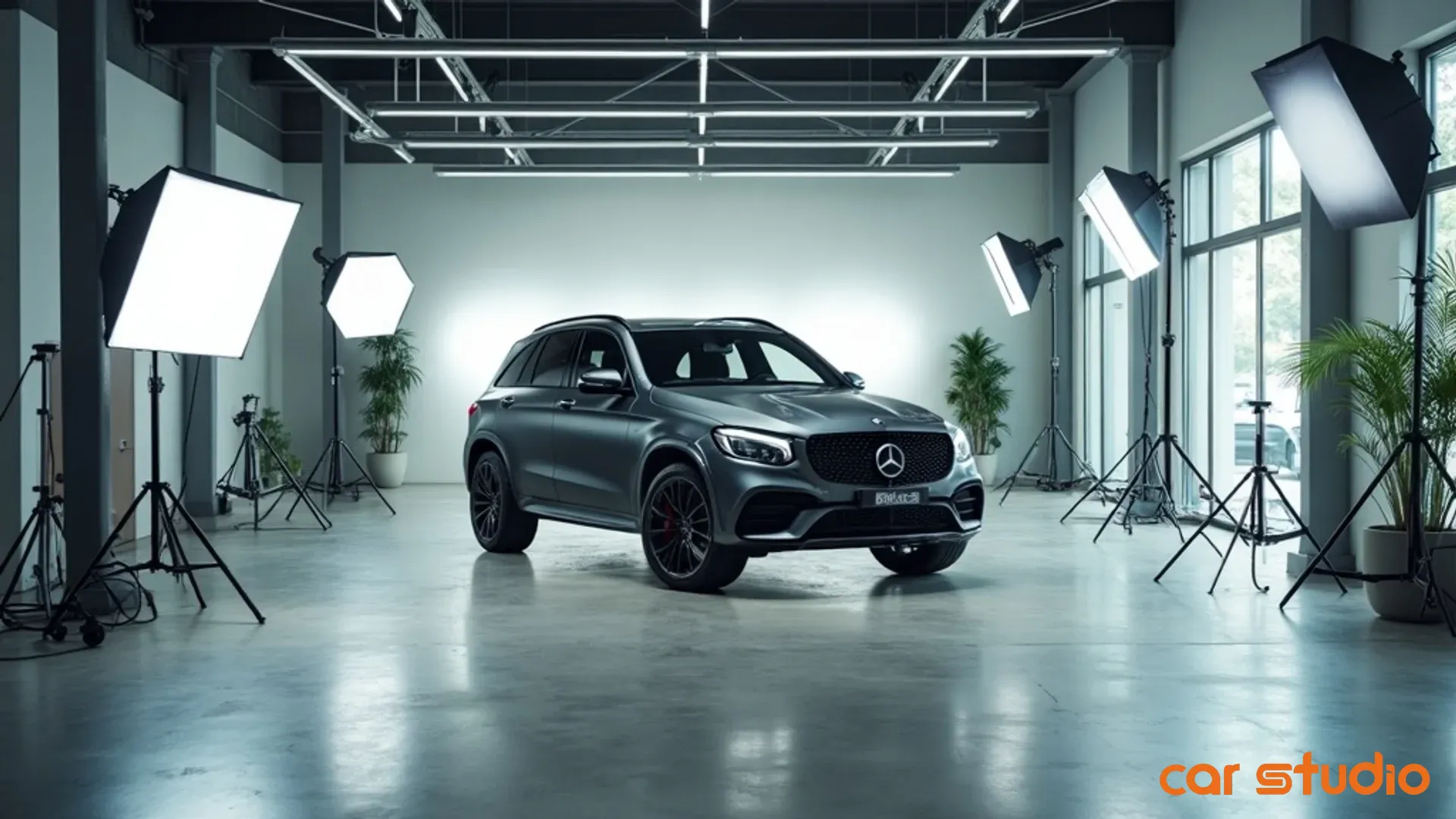
The fix starts with one decision: commit to a standardized visual identity. That means consistent backgrounds, consistent lighting, and consistent angles. And the fastest way to achieve that without rebuilding your lot or hiring a photographer is to use AI to remove the chaos and replace it with control.
The "Car Background Remove" Workflow: A 4-Step SOP
This is the process. Follow it, and you'll turn inconsistent lot photos into trust-building assets in under five minutes per vehicle.
Step 1: Standardize Photo Capture (Angles, Lighting)
Before you touch any AI tool, you need to capture the raw material correctly. Garbage in, garbage out.
Set a standard shot list. Most dealers need 20 to 30 photos per vehicle: front three-quarter, rear three-quarter, straight-on front, straight-on rear, both sides, engine bay, trunk, interior front seats, interior rear seats, dashboard, odometer, and key features like wheels, badges, or upgraded trim.
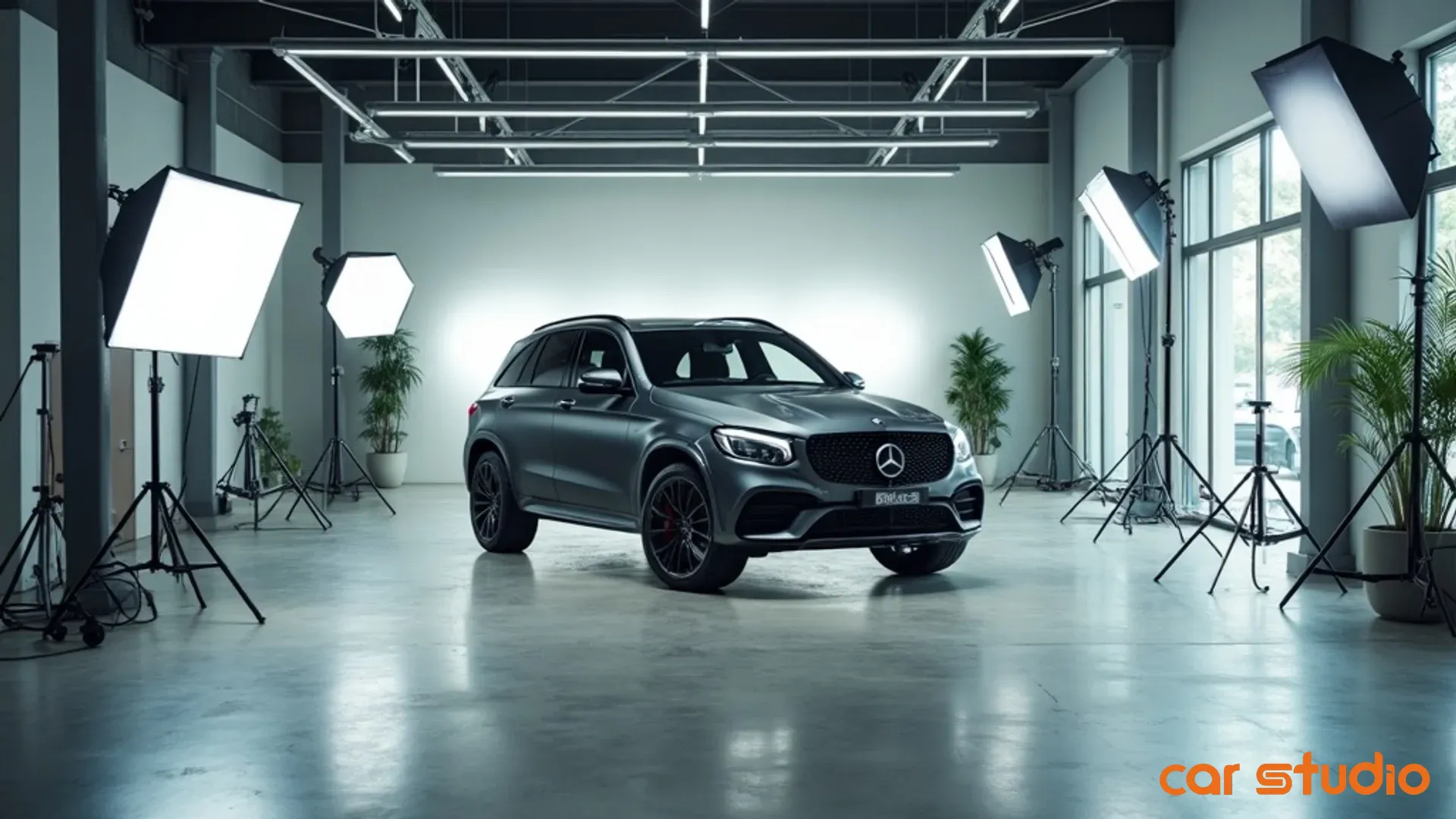
Shoot at the same time of day whenever possible. Late morning or early afternoon gives you consistent natural light without harsh shadows. If you're shooting at different times, you'll spend more time correcting lighting in post, which defeats the purpose of speed.
Use a basic camera or a recent smartphone. You don't need a DSLR. You need consistency. Train your lot attendants or porters to follow the same sequence every time. Make it a checklist. Laminate it. Tape it to the steering wheel if you have to.
The goal is repeatability. If every car is shot the same way, the AI tools in the next step will perform better and faster.
Step 2: Batch Process Images with an AI Photo Editor
Now you have 25 raw photos of a vehicle. Time to remove the background.
Upload your images to an AI photo editor designed for automotive use. These tools use machine learning to detect the vehicle, separate it from the background, and remove everything else.
The best tools handle this in seconds per image. You're not manually masking or using a lasso tool like it's 2008. The AI does the heavy lifting.
Batch processing is key. Don't upload one photo at a time. Upload all 25 at once. The tool should process them simultaneously and give you clean cutouts ready for the next step.
Look for tools that preserve important details: shadows under the car, reflections on the paint, and clean edges around complex shapes like grilles, mirrors, and wheels. Poor AI tools will give you choppy edges or erase parts of the vehicle. Good ones are trained specifically on cars and know the difference between a wheel spoke and a background object.
Step 3: Apply Branded, Consistent Backgrounds
You've removed the clutter. Now replace it with something intentional.
Choose a background style and stick with it across your entire inventory. Options include:
- Pure white or light gray: Clean, minimalist, works well for premium brands and luxury vehicles.
- Showroom floor: Adds depth and context without distraction. Looks professional and polished.
- Outdoor scene: Subtle road or landscape. Use sparingly and only if it enhances the vehicle's appeal (e.g., trucks on a mountain road, convertibles near a beach).
- Branded backdrop: Your dealership logo, colors, or a custom design. This reinforces your brand on every VDP and makes your listings instantly recognizable.
The wrong move here is using a different background for every car. That destroys the consistency you just worked to create. Pick one or two styles and apply them uniformly.
Most AI photo editors let you apply backgrounds in bulk. Upload your chosen backdrop, and the tool composites the vehicle onto it while preserving realistic shadows and reflections.
This is where the magic happens. A car that was photographed next to a dumpster now looks like it's sitting in a showroom. The transformation is immediate and dramatic.
Step 4: Perform a 60-Second Quality Control Check
AI is fast, but it's not perfect. You need a human checkpoint.
Open each processed image and check for three common issues:
- Floating car syndrome: The vehicle looks like it's hovering because the shadow is missing or unrealistic. Fix this by adjusting shadow intensity in your tool or choosing a background with a built-in shadow layer.
- Choppy edges: The cutout looks jagged or pixelated, especially around wheels, mirrors, or antennas. This happens when the AI struggles with complex shapes. Use a tool with manual refinement options, or reshoot the photo with better lighting and contrast.
- Fake-looking backgrounds: The backdrop is too bright, too saturated, or doesn't match the lighting on the car. Adjust the background's brightness and color temperature to match the vehicle's lighting.
If the image passes all three checks, approve it and move to the next one. If it fails, flag it for manual touch-up or re-processing.
This step takes 60 seconds per vehicle if you're disciplined. Don't overthink it. You're not creating art. You're creating trust.
Once your images pass QC, upload them to your inventory management system and push them live to your VDPs. You're done.
Implementation Playbook: Choosing Your AI Tool
Not all AI photo editors are built the same. Some are designed for Instagram influencers. Others are built for e-commerce. You need one built for automotive.
Here's how to choose.
API vs. Web App: Which Is Right for Your Volume?
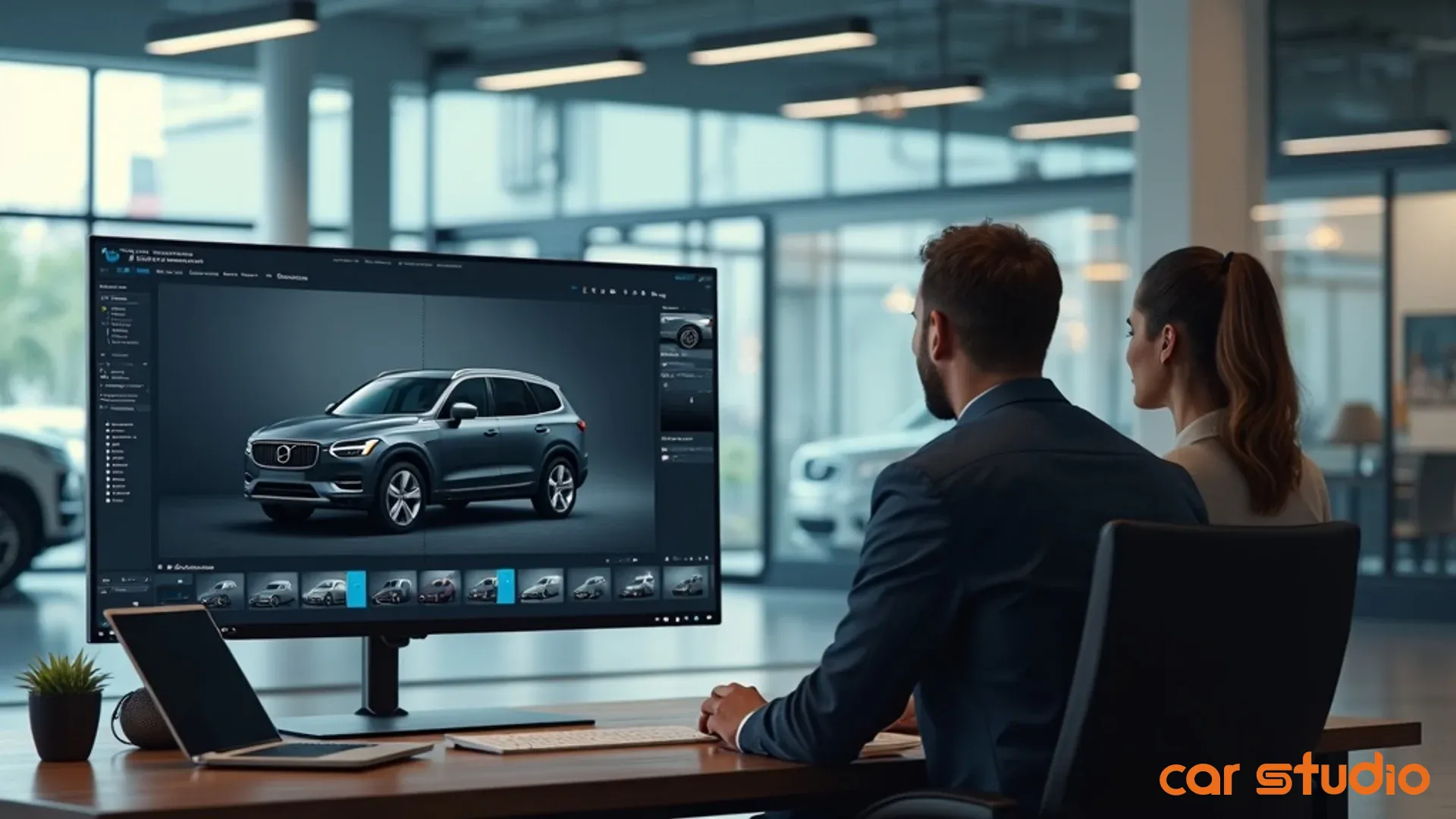
If you're processing fewer than 50 vehicles per month, a web app is fine. You upload photos manually, process them, and download the results. It's simple, low-cost, and requires zero technical setup.
If you're processing 100+ vehicles per month, or if you want to integrate photo processing into your existing recon workflow, you need an API. This connects directly to your inventory management system or DMS, automating the entire process from photo capture to VDP upload.
APIs cost more upfront but save massive amounts of time at scale. They also reduce human error. Your lot porter shoots the photos, uploads them to a folder, and the system handles the rest.
Mid-sized dealers (50 to 100 units per month) should start with a web app and migrate to an API once the workflow is proven and adoption is high.
Key Features to Demand (Shadows, Reflections, Plate Blur)
Your AI photo editor must handle these features natively, or it's not worth your time:
- Realistic shadow generation: The tool should automatically create a shadow under the vehicle that matches the lighting and angle of the original photo. Without this, your cars will look like they're floating in space.
- Reflection preservation: High-gloss paint reflects the environment. The AI should preserve these reflections or recreate them realistically on the new background. Flat, matte-looking cars signal fake editing.
- Automatic license plate blurring: Privacy regulations in many markets require you to obscure license plates. The tool should detect and blur plates automatically, saving you from manual edits.
- Edge refinement for complex shapes: Wheels, grilles, spoilers, and antennas are hard for AI to cut cleanly. The tool should have a refinement mode that lets you touch up edges without starting from scratch.
- Batch background application: You should be able to apply the same background to 25 photos in one click, not one at a time.
Tools like Car Studio AI are designed specifically to solve these automotive challenges. They're trained on millions of vehicle images, so they understand the difference between a wheel spoke and a fence post.
When evaluating cost, don't just compare subscription prices. Calculate cost per vehicle. A tool that charges $200/month but processes unlimited vehicles is cheaper than one that charges $5 per vehicle if you're doing more than 40 units a month.
Also factor in time savings. If your current process takes 30 minutes per vehicle and the AI tool cuts that to 5 minutes, you're saving 25 minutes of labor per car. At 50 cars per month, that's over 20 hours of labor saved. What's that worth to you?
Finally, consider integration. Can the tool connect to your existing systems, or will you need to manually export and import files? Friction kills adoption. Choose tools that fit into your workflow, not tools that force you to change your workflow.
Objections & Pitfalls: Avoiding Common AI Photo Fails
AI photo editing is powerful, but it's not foolproof. Here are the most common mistakes dealers make, and how to avoid them.
"The car looks like it's floating."
This happens when the AI removes the background but doesn't generate a realistic shadow. The vehicle appears to hover above the ground, which looks fake and destroys trust.
The fix: Use a tool with automatic shadow generation, or choose a background that includes a shadow layer. Adjust shadow opacity and angle to match the lighting on the car. If your tool doesn't support this, find a better tool.
"The edges are choppy."
Jagged or pixelated edges around wheels, mirrors, or antennas are a dead giveaway that the photo was poorly edited.
This usually happens when the original photo has low contrast between the vehicle and the background, or when the AI tool isn't trained on automotive images.
The fix: Improve your source photos. Shoot against a contrasting background (dark cars on light pavement, light cars on dark pavement). Use better lighting to create clear separation between the vehicle and the environment.
If the problem persists, switch to a tool with manual refinement options. For example, the AI engine in Car Studio AI is trained on millions of vehicle images to prevent choppy edges on complex shapes like wheels and spoilers.
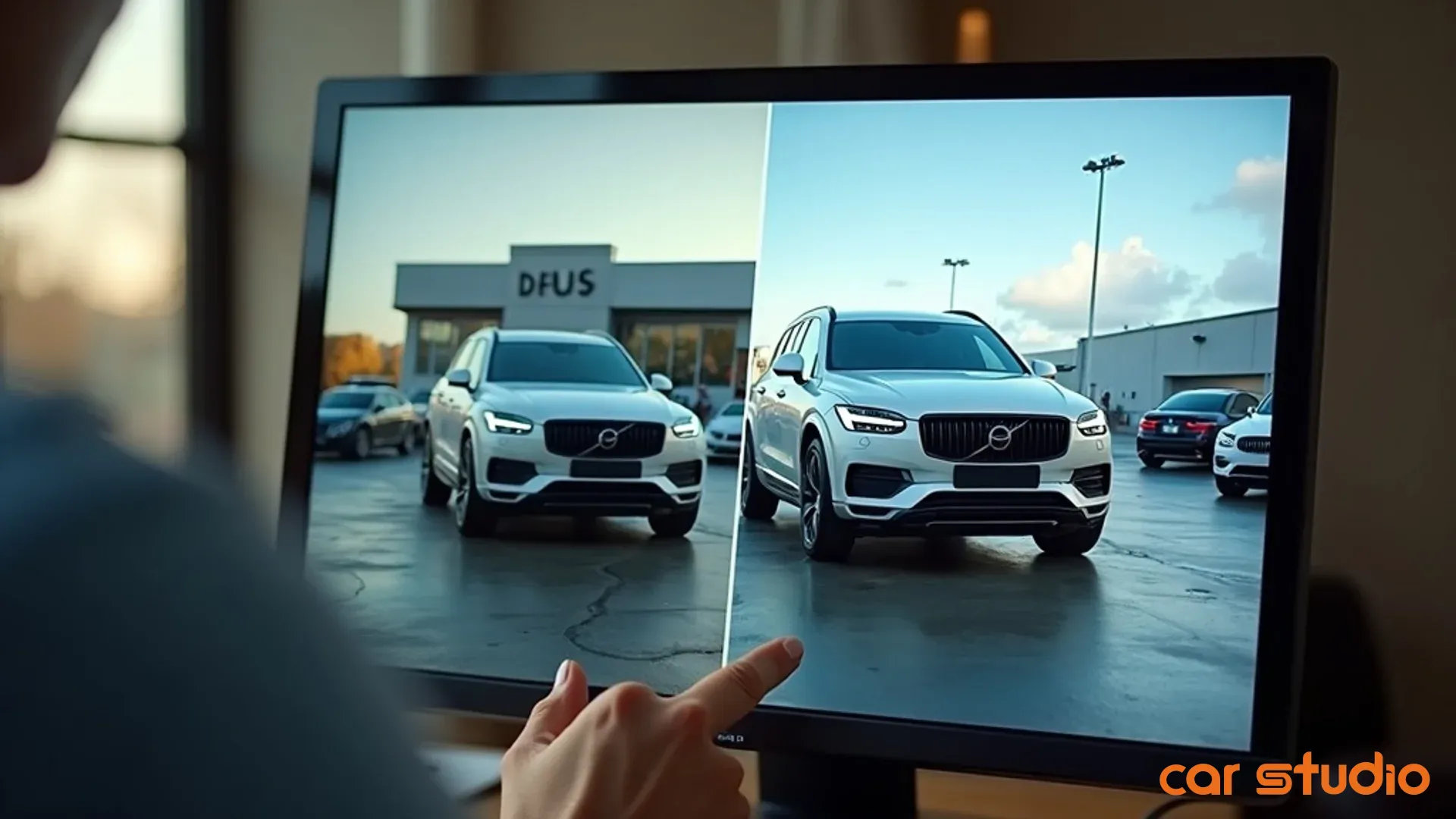
"The background looks fake."
This happens when the background's lighting, color temperature, or perspective doesn't match the vehicle.
A car shot in bright sunlight shouldn't be composited onto a dimly lit showroom floor. A vehicle photographed from a low angle shouldn't sit on a background shot from above.
The fix: Match your background to your source photos. If you shoot in natural light, use bright, neutral backgrounds. If you shoot indoors, use showroom-style backgrounds with softer lighting.
Also, avoid overly busy or saturated backgrounds. The backdrop should enhance the car, not compete with it. Subtle is better than flashy.
"The colors look off."
AI tools sometimes shift the vehicle's color during processing, especially on metallic or pearl finishes.
The fix: Use a tool that preserves original color data. After processing, compare the edited image to the original. If the color has shifted, adjust white balance and saturation in your tool's settings, or flag the image for manual correction.
"The tool is too slow."
If your AI editor takes more than 10 seconds per image, it's too slow for high-volume use.
The fix: Upgrade to a faster tool or use batch processing. Most modern AI editors can process 25 images in under a minute if you upload them all at once.
Quick Wins in 14 Days: A Launch Checklist
You don't need months to see results. Here's how to go from zero to live in two weeks.
Week 1: Select a Tool, Define Your Background Style, and Process 5 Pilot Vehicles
- Day 1 to 2: Research and trial three AI photo editors. Use the feature checklist from the Implementation Playbook section. Sign up for free trials and test each tool with 5 real photos from your lot.
- Day 3: Choose your tool based on quality, speed, and cost. Sign up for a paid plan if the trial limits are too restrictive.
- Day 4: Define your background style. Pick one primary background (white, showroom, or branded) and one optional secondary background for specific vehicle types (e.g., trucks get an outdoor scene).
- Day 5 to 7: Process 5 pilot vehicles. Shoot the photos, run them through your AI tool, apply backgrounds, and perform QC. Time each step and document any issues.
By the end of Week 1, you should have 5 fully processed vehicles with clean, professional photos ready to upload.
Week 2: Train Staff, Update Your 10 Highest-Priority Listings, and Measure VDP Clicks
- Day 8: Train your lot porters, photographers, or whoever captures photos. Walk them through the standardized shot list and show them examples of good vs. bad source photos.
- Day 9 to 11: Process your 10 highest-priority listings. These are your most expensive vehicles, your oldest inventory, or your best-sellers. Replace their existing photos with AI-processed versions and push them live.
- Day 12: Set up tracking. Use your analytics platform to measure VDP clicks, time on page, and lead form submissions for the updated listings. Create a baseline by pulling the same metrics for the week before you updated the photos.
- Day 13 to 14: Monitor performance. Check your metrics daily. Look for increases in engagement. If you see a lift, scale the process to more vehicles. If you don't, revisit your QC process and check for common AI fails.
Establish a Baseline for A/B Testing
Once your first 10 vehicles are live, set up a simple A/B test. Keep the old photos on 5 similar vehicles and compare their performance to the 5 with AI-processed photos.
Track these metrics:
- VDP click-through rate: Are more shoppers clicking on your listings in search results?
- Time on VDP: Are shoppers spending more time viewing your photos and details?
- Lead form submissions: Are more shoppers requesting information, scheduling test drives, or asking for financing?
- Phone calls: Are more shoppers calling your dealership after viewing the VDP?
Run the test for two weeks. If the AI-processed photos outperform the old ones, you have proof of concept. Scale the workflow to your entire inventory.
If the results are mixed, dig into the data. Are certain vehicle types performing better? Are certain backgrounds driving more engagement? Use this insight to refine your approach.
The goal isn't to prove that AI is magic. The goal is to prove that consistent, professional photos build trust and drive measurable business outcomes.
Once you have that proof, the decision to scale is easy.
Your Photos Are Your Handshake
Every shopper who lands on your VDP is deciding whether to trust you. They're asking: Is this dealership professional? Do they care about details? Will they treat me right?
Your photos answer those questions before a single word is read.
Messy, inconsistent photos say you don't care. Clean, professional photos say you run a tight operation. And in a market where shoppers compare dozens of listings before ever picking up the phone, that first impression is everything.
The 4-step car background remove workflow gives you a repeatable system to control that impression. You don't need a studio, a photographer, or a marketing agency. You need a process, an AI photo editor, and a commitment to consistency.
Start with 5 vehicles. Prove the concept. Then scale.
Your VDPs will look better. Your engagement will improve. And your shoppers will trust you enough to take the next step.
Ready to see this workflow in action? Schedule a brief demo to see how AI can transform your messiest photos into trust-building assets in seconds. Stop wasting time on manual editing. See a live demo of how our platform executes this playbook and gets your cars to market faster.