

Description
Learn how to remove a car background online in seconds and why clean, distraction-free backgrounds are essential for every dealership vehicle listing in 2026.
How to Remove a Car Background Online (And Why Every Dealer Listing Needs It)
TLDR
Why the Background Matters More Than You Think
When a buyer lands on your vehicle listing, their eye doesn't go straight to the car. It goes to the whole image — and anything in the frame competes for attention. A busy parking lot background, a dumpster in the corner, other vehicles crowding the frame, power lines overhead: these elements don't just look unprofessional. They actively reduce buyer confidence.
Research from CDK Global shows that nearly 90% of car shoppers start their journey based on the quality of a dealer's photos. A cluttered background signals low effort, and buyers subconsciously associate that with the overall quality of the dealership.
Removing the background isn't about making the photo look artificial. It's about removing visual noise so the car becomes the only thing the buyer focuses on.
What Happens When Backgrounds Are Distracting
When buyers see a car listed against a messy background, a few things happen:
The background sets the stage. A studio-quality background tells the buyer: this dealership takes its inventory seriously.
How to Remove a Car Background Online
There are a few approaches, ranging from manual to fully automated.
Option 1: Manual Editing in Photoshop or GIMP
Photoshop's "Select Subject" tool or GIMP's background remover can isolate a car from its background. The process:
This produces excellent results when done carefully, but it takes 15-30 minutes per vehicle. For a dealership with 50-200 vehicles in inventory, this is not scalable.
Option 2: Browser-Based Background Removal Tools
Tools like Remove.bg or Canva's background remover work in a browser and can isolate subjects from photos quickly. They work for simple backgrounds but often struggle with car-specific challenges: reflections in paint, complex wheel shapes, and low-contrast areas where the car blends into the background.
Option 3: AI Tools Built for Automotive Photography
This is where purpose-built tools separate themselves. General background removal tools treat a car the same way they treat a product photo of a water bottle. Automotive-specific AI understands the particular geometry and reflectivity of vehicles.
Manual Methods vs. AI Tools
| | Manual (Photoshop) | General AI (Remove.bg) | Automotive AI |
|---|---|---|---|
| Time per image | 15-30 min | 1-2 min | Seconds |
| Accuracy on wheels/mirrors | High | Medium | High |
| Batch processing | No | Limited | Yes |
| Background replacement options | Full control | Limited | Curated library |
| Cost at scale | Very high (labor) | Subscription | Subscription |
For a dealership shooting 10-20 new vehicles per week, the time savings from automotive-specific AI are substantial — often the equivalent of a part-time employee.
What Background Should You Replace It With?
Once the original background is removed, you have several options:
Pure white or light grey studio. The safest choice for most listings. Clean, neutral, and works on any platform — your website, AutoTrader, Cars.com, Facebook Marketplace. The car's color pops and buyers see no distractions.
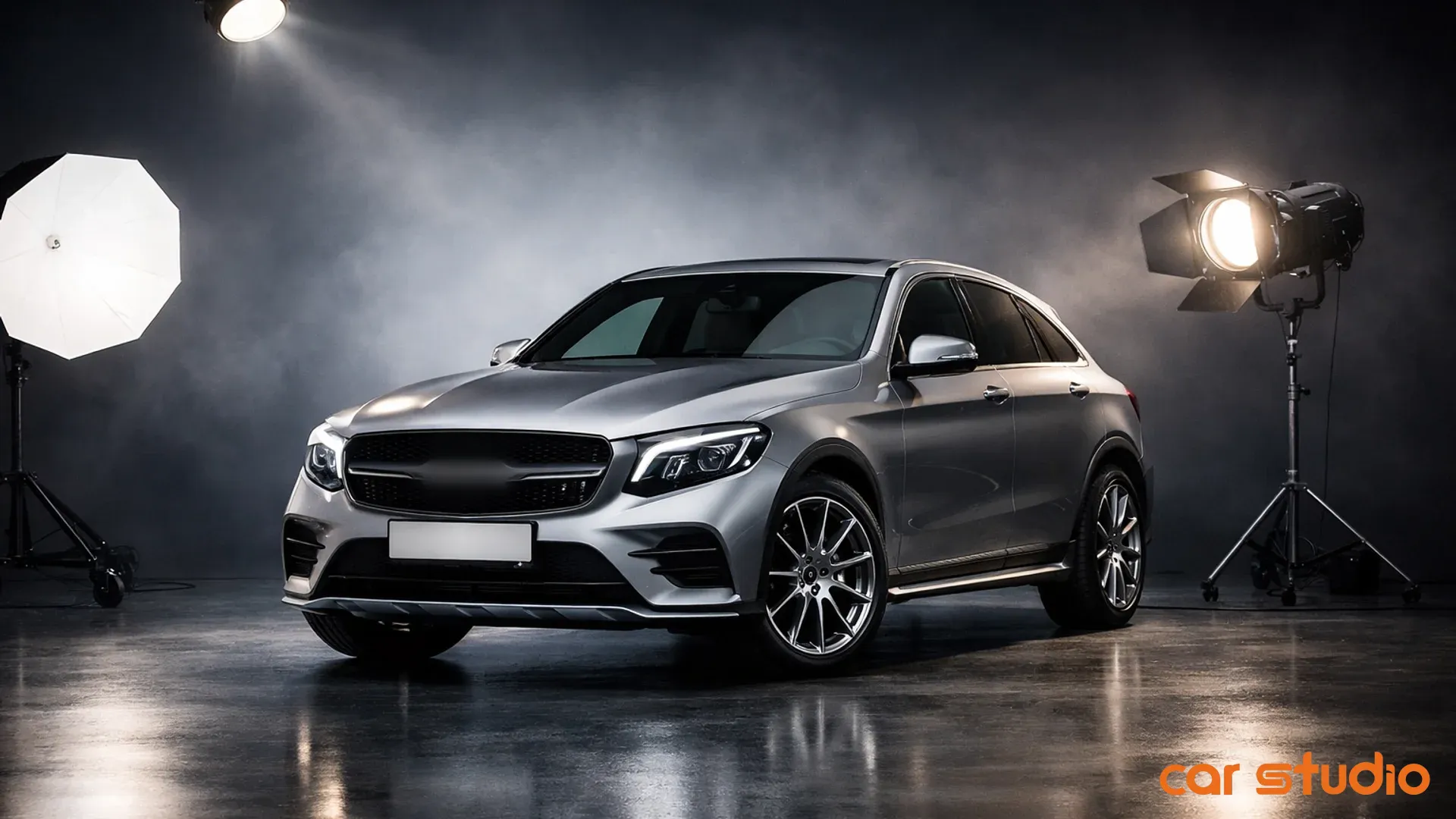
Gradient studio floors. A subtle gradient from white to light grey adds depth and makes the car look like it was shot in a proper studio. Adding a realistic floor reflection makes the image look high-end without being obviously artificial.
Outdoor environments. Some AI tools let you place the car in a curated outdoor backdrop — a coastal road, a city street, a showroom exterior. These work well for lifestyle-oriented listings, especially for premium and luxury vehicles.
Branded backgrounds. Dealerships with a strong brand identity sometimes use custom backgrounds that include their color palette or a clean version of their showroom. This keeps all listings visually consistent.
How Car Studio AI Does It at Scale
Car Studio AI is built specifically for this workflow. Upload a phone photo taken anywhere on the lot, and the platform automatically:
The result looks like the car was shot in a professional photo studio — without booking one, without editing software, and without a trained photographer.
For dealerships managing large inventories, Car Studio AI's batch processing handles an entire week's intake in the time it used to take to edit a single vehicle manually. Enterprise clients like Mercedes-Benz Certified use it to maintain consistent image quality across locations and markets.
Conclusion
Removing a car background online is no longer a technical challenge. The real question is whether your current process scales. Manual editing doesn't. General AI tools don't handle automotive images accurately enough. Purpose-built automotive AI does.
If your lot photos have distracting backgrounds — and most do — the fix takes seconds when you have the right tool. Every vehicle in your inventory deserves a background that lets the car sell itself.
Try Car Studio AI free and transform your next listing photo in under a minute.